The data, information and descriptions, and the technology described herein are the exclusive intellectual property of Snap-on Climate Solutions S.r.l. and
constitute industrial secrets. Said information is communicated in strict confidentiality; said information may be used only for the purpose for which it is
communicated; said information may not be divulged, communicated, or revealed to third parties and/or reproduced by any means for any reason whatsoever; said
information is protected under applicable Italian competition and industrial property law.
Service manual Cinquecento12 (VA21) [MANUY2V.SB0] ed.1 ver.0.1.doc pag.41 - 09/11/2021
MEASURE UNITS
From SETUP menu, Select the arrow to change page.
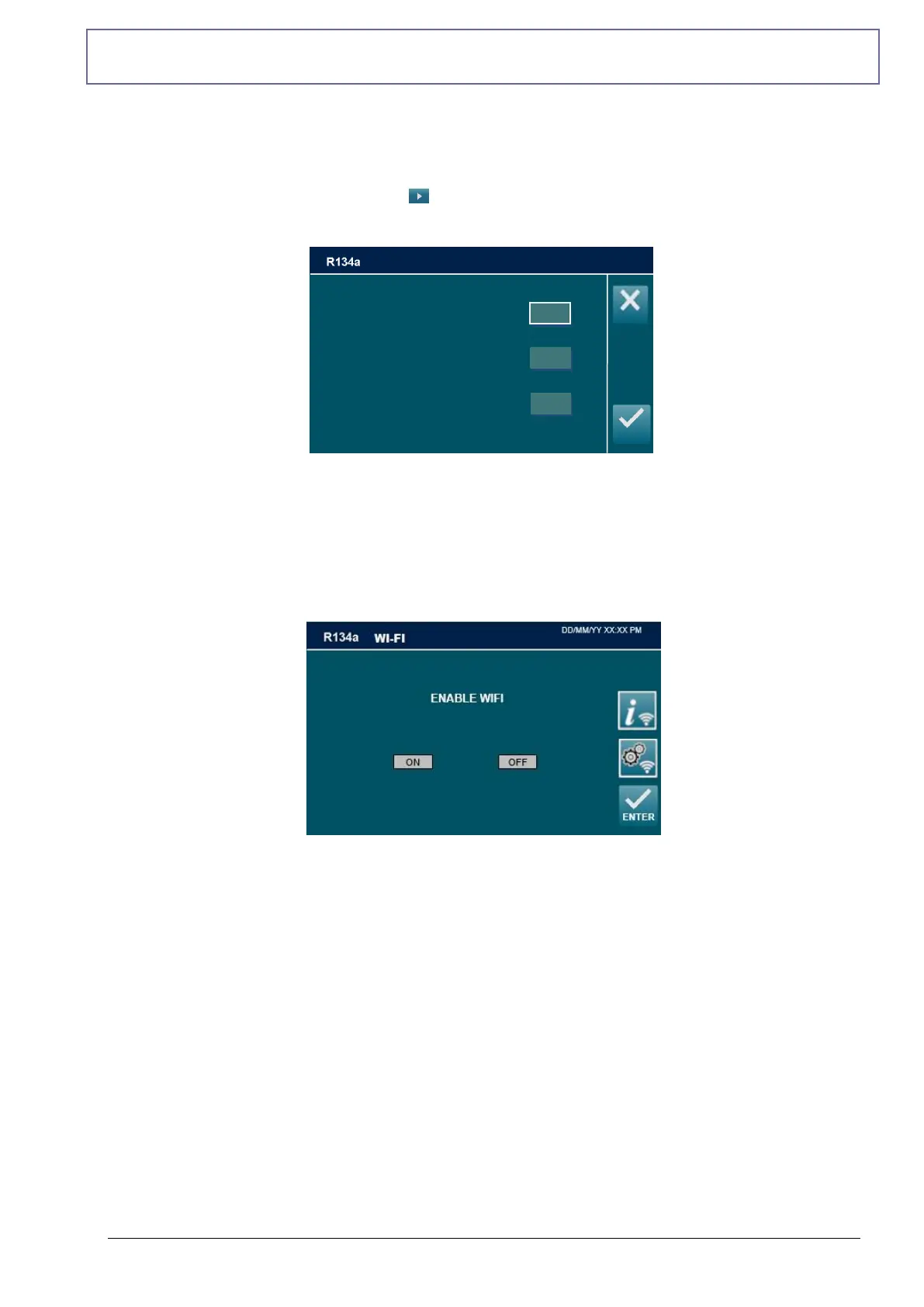
Select then MEASURE UNITS:
NOTE: current MEASURE UNITS is indicated by squaring.
Select a MEASURE UNITS, then press ENTER.
WIFI
Enable WIFI (optional) press WIFI, the following screen will be displayed:
Choose ON to enable the WIFI and OFF to disable it then press ENTER.
NOTE: for further clarifications refer to the document "WI-FI CODES ADDENDUM
[MANU117.WFI]" on the website http://ac-service24.com



 To Next Page