The data, information and descriptions, and the technology described herein are the exclusive intellectual property of Snap-on Climate Solutions S.r.l. and
constitute industrial secrets. Said information is communicated in strict confidentiality; said information may be used only for the purpose for which it is
communicated; said information may not be divulged, communicated, or revealed to third parties and/or reproduced by any means for any reason whatsoever; said
information is protected under applicable Italian competition and industrial property law.
Service manual Cinquecento12 (VA21) [MANUY2V.SB0] ed.1 ver.0.1.doc pag.79 - 09/11/2021
EMPTYING INTERNAL BOTTLE
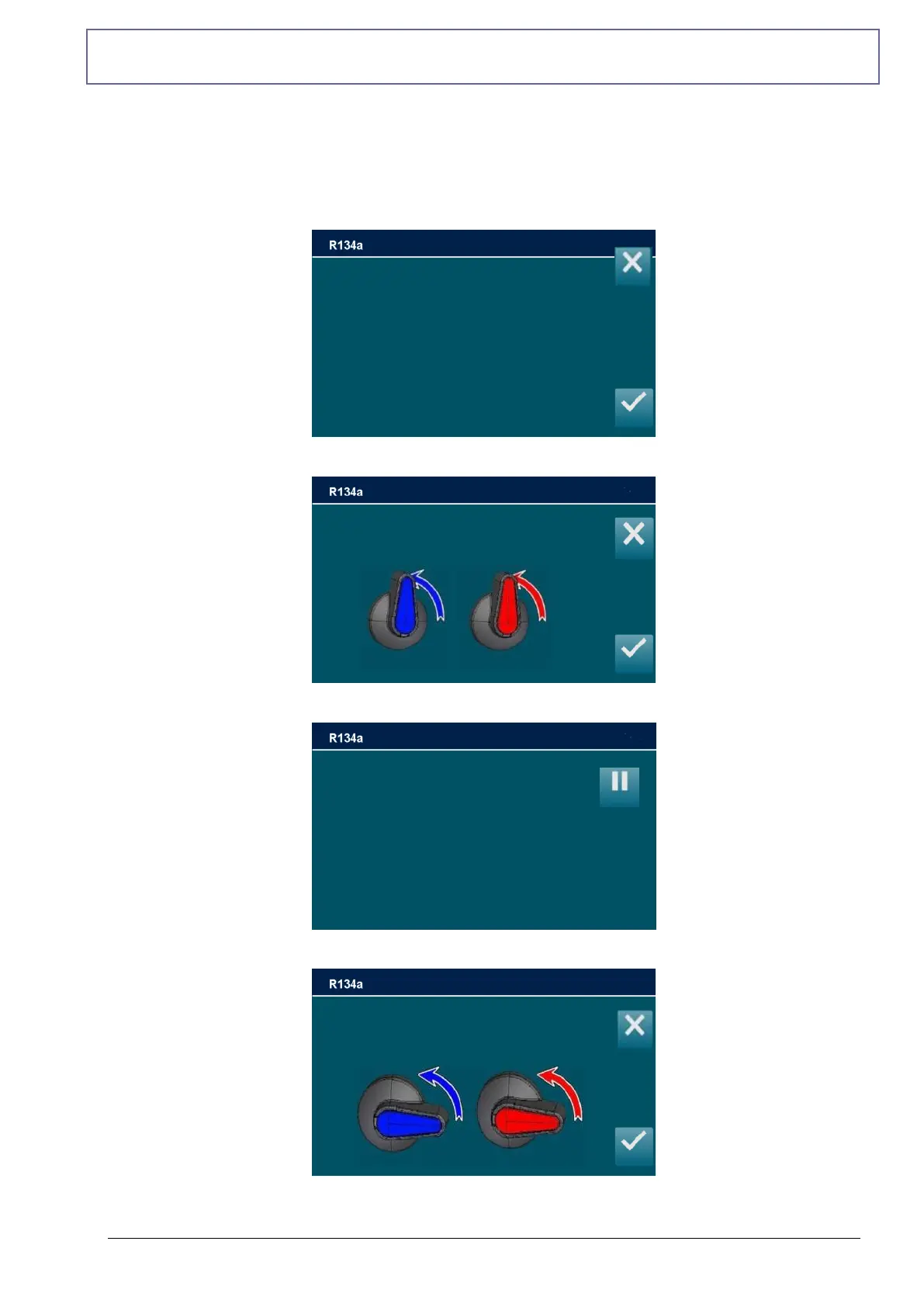
From CALIBRATION, select EMPTYING INTERNAL BOTTLE, the following screen is
displayed:
Connect and open HP and LP couplings to external recovery unit and open the valves
Wait emptying the tank
Close the valves
Wait for the completion of the emptying of the tank: vacuum in progress
Open HP and LP valves
Press ENTER to continue
Connect and open HP and LP couplings to
an external recovery unit
and open the liquid valve
then press ENTER
Tank empty
A/C pressure
Tank cell
Close HP and LP valves
Press ENTER to continue



 To Next Page