5
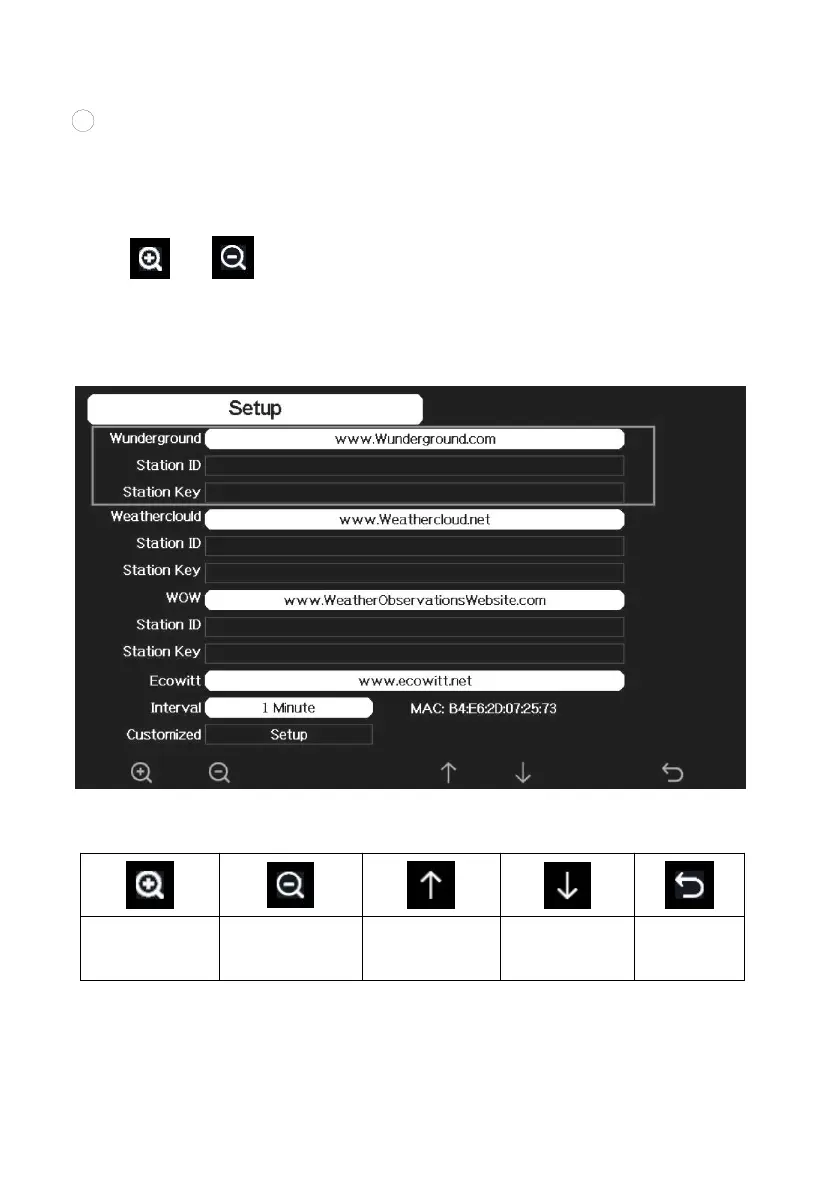
Take note of the station ID and key/password and enter it in the
Weather Server:
2) Registration on console display
Press or key to enter Weather Server set up mode. The device
can be configured to send real-time data to wunderground.com®. Enter the
Station ID and Password obtained from Wunderground.com.
Figure 30: WU Server setup screen



 To Next Page