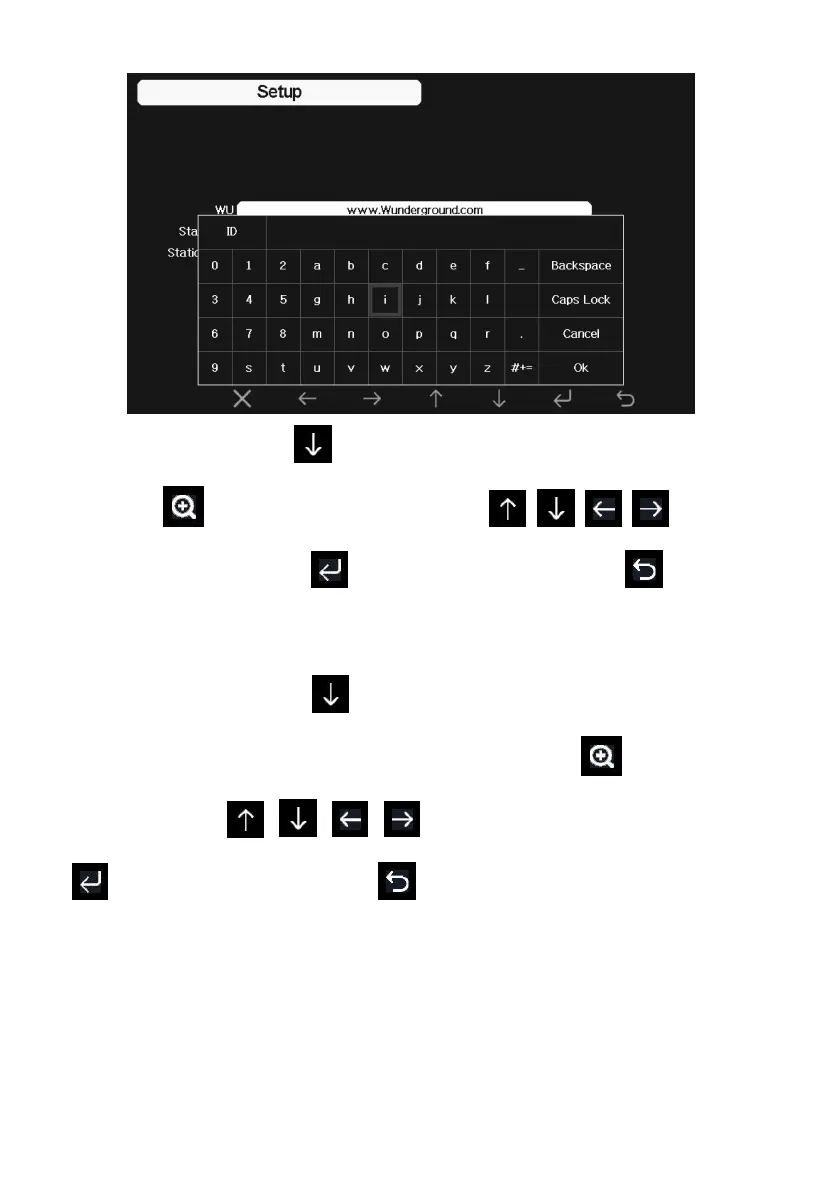
Set Station ID: Press to highlight the Station ID. Enter your station
ID. Press to display the keyboard. Press to scroll
to the character and press to select the character. Press to return
to the setup page.
Set Station Key: Press to highlight the station key. Enter your
password obtained from according weather server. Press to display the
keyboard. Press to scroll to the character and press
to select the character. Press to return to the setup page.
3) Viewing data on wunderground.com
The most basic way to observe your weather station’s data is by using the
wunderground.com web site. You will use a URL like this one, where your
station ID replaces the text “STATIONID”:



 To Next Page