24
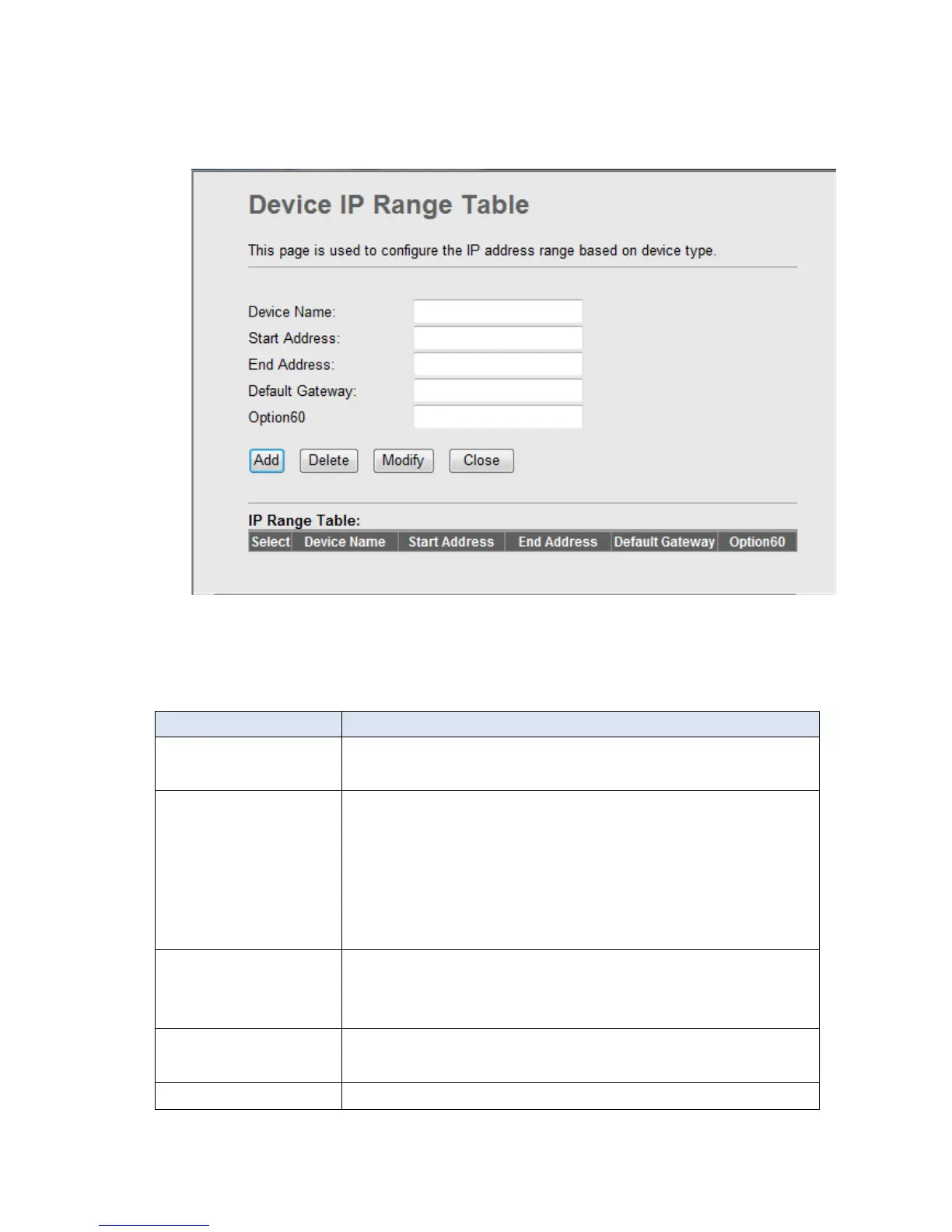
Click Show Client, the following window appears. In this window, you can view the IP
address assigned to each DHCP client.
Fig 3.4.2-4
The following table describes the fields in this screen.
This field displays the IP address relative to the MAC
address.
This field displays the MAC(Media Access Control)
address of the computer.
Every Ethernet device has a unique MAC address. The
MAC address is assigned at the factory and consists of
six pairs of hexadecimal character, for example,
00-A0-C5-00-02-12.
Here shows the lease time. The Lease time determines
the period for which the PCs retain the IP addresses
assigned to them without changing them.
Click this button to refresh the Active DHCP Client
Table.
Click this button to close this window.


 To Next Page