15
2.3 Viewing Live Video
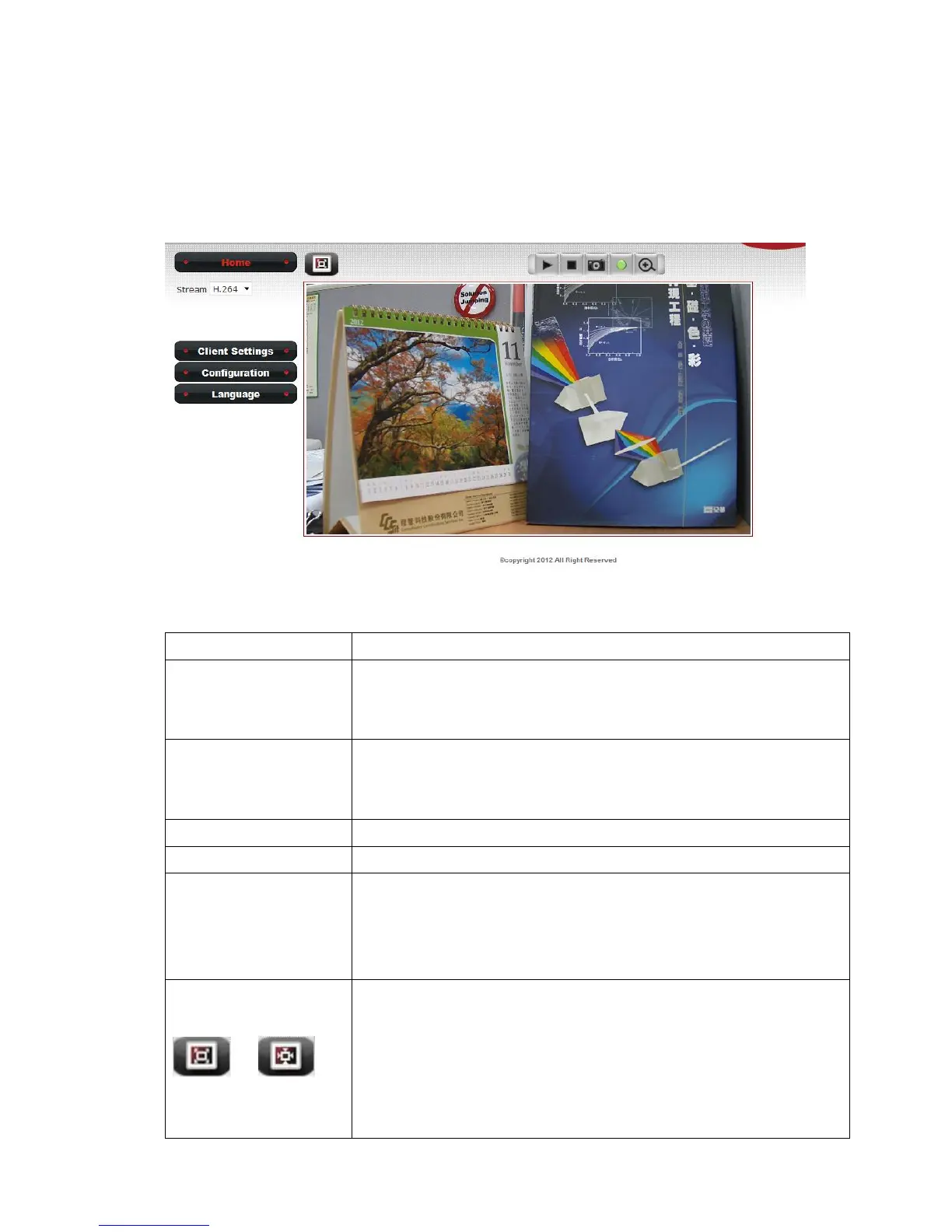
After ActiveX control is installed, you can view IP camera’s video by web
browser. Just connect to IP camera by web browser and login, then you
can see live video from IP camera:
There are various controls on web page, here are descriptions of every
control item:
This button is visible in all setup pages of IP camera, and
you can go back to live video view by clicking this button
when you’re in other page.
This camera supports H.264 only. H.264 required less
network bandwidth and this will help when network
connection is slow.
Open ‘Client Setting’ menu.
Open ‘Configuration’ menu.
Open language menu, you can switch web interface to
other language.
Available languages: English, Simplified Chinese,
Traditional Chinese and Japanese
Original size /
Fit screen
/
Switches live image view between original size (full size:
2M pixels) and fit screen (smaller size).
If you want to see video in detail, switch to original size. If
your computer monitor’s resolution is not enough and
you want to see full image view, switch to fit screen and
image size will adjust automatically.



 To Next Page