Select the percentage of pixel change that will trigger motion
detection alert. Select a lower percentage so you can detect tiny
changes in motion detection area.
Select the sensitivity level that will trigger motion detection
alert. Select a higher sensitivity so you can detect tiny changes in
motion detection area. It will show blue bar when window are
detecting moving object through the window range.
When you finish with above settings, click ‘Apply’ button to save changes.
Once the window detects motion, one blue flexible bar will appear at the
bottom edge. One video file will be saving at this moment if the ftp server
was enabled.
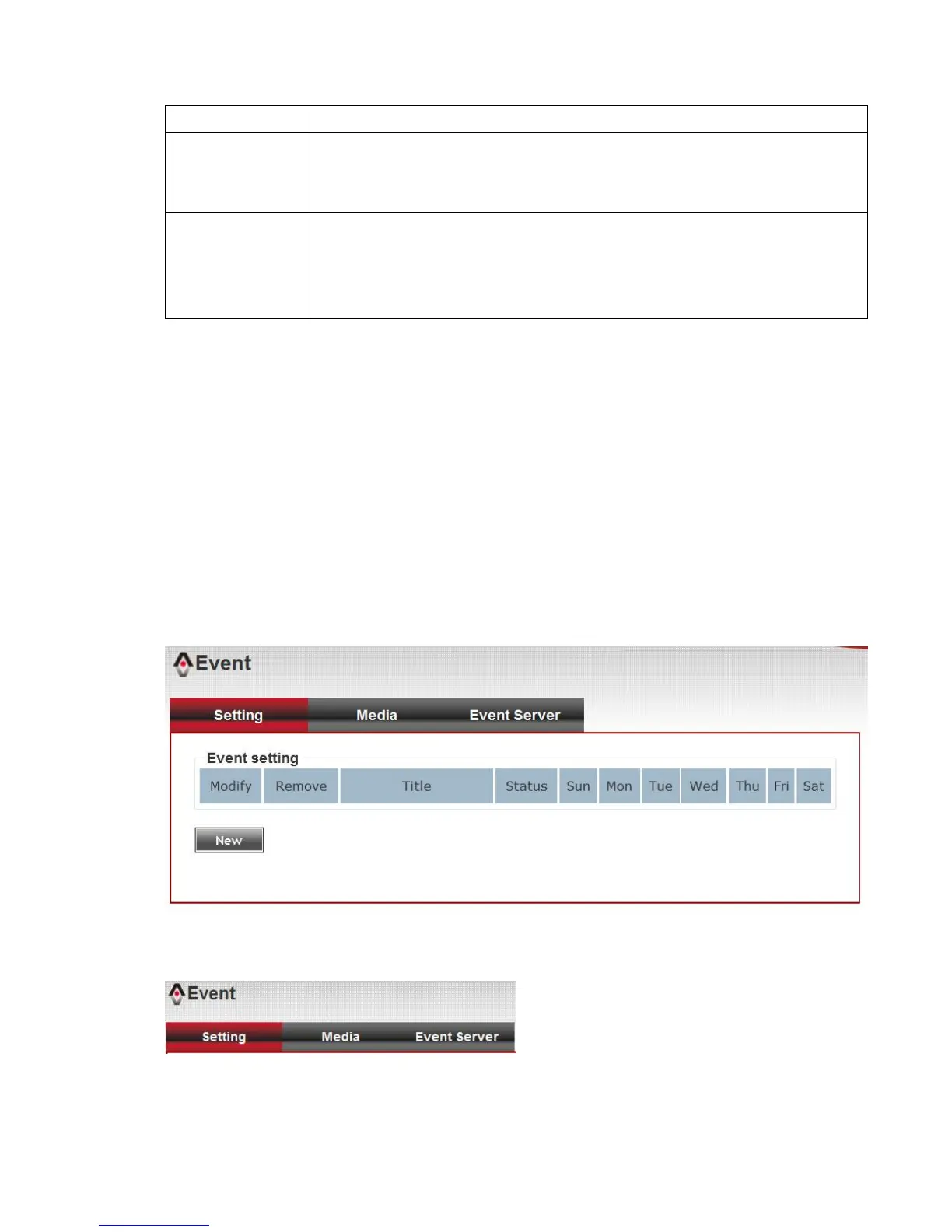
3-7 Event
When there’s an event, you can use this setup page to define what IP
camera should do, like send an Email or trigger digital output to activate
external alarm.
There are three setup pages:
1. Setting: Define a new event and manage events.
2. Media: Define what kind of media file should be saved on designate
media.



 To Next Page