8
1.5 Installation of the Network IP Camera
Please follow the instructions below to setup your new IP camera.
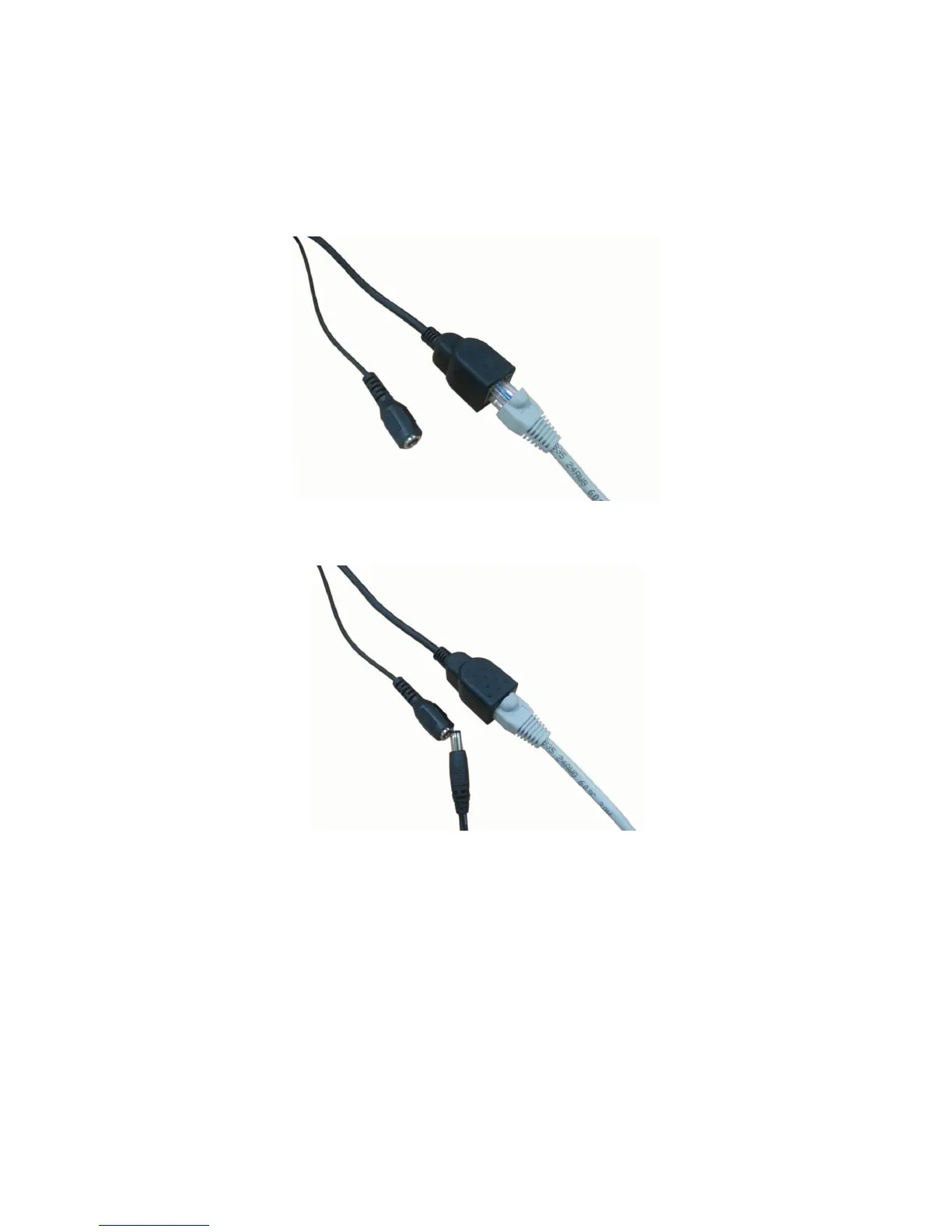
1. Connect Ethernet cable to LAN port.
2. Plug DC power adapter to power outlet on the wall.
3. Connect DC power cable to IP Camera’s DC power connector.
4. If everything’s ok, you should see the left LED light on LAN port light up.
If not, please recheck every step and try again, or ask your dealer of
purchase for help.
5. Remove the front glass mask to fine tune lens focus. When lens focus
fine tune ready, then screw the glass mask to the end position which
can not do any more.



 To Next Page