53
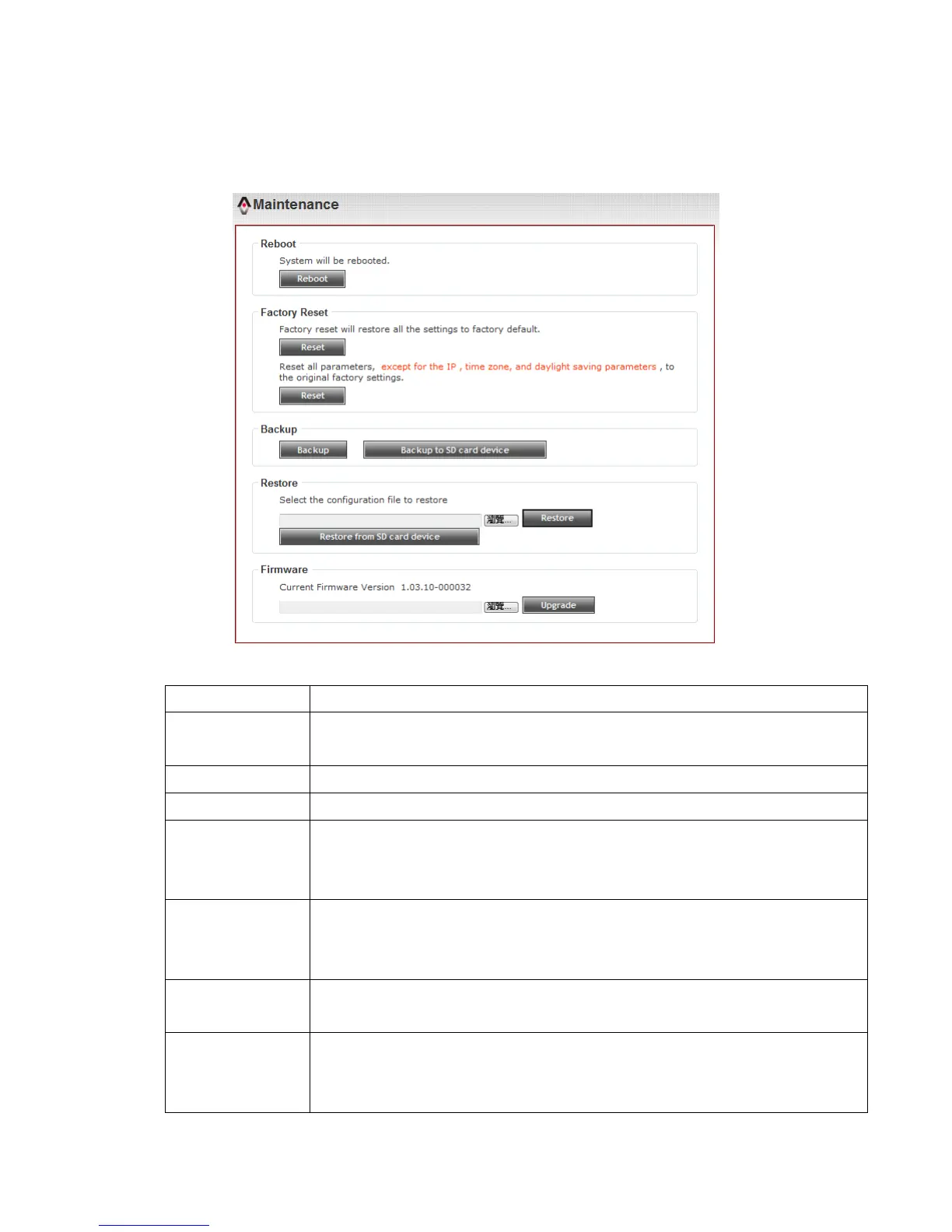
3-12 Maintenance
You can do some maintenance job about this IP camera here.
Here are the descriptions of every setup item:
Click this button to reboot the IP camera. This function is useful
when you find IP camera is not working properly.
Clear all settings of IP camera and reset to factory default setting.
Backup IP camera’s setting and save it on your computer.
Backup to
Micro SD card
device
Backup IP camera’s setting and save it on Micro SD card. A Micro
SD card must be inserted into Micro SD card slot when you click
this button, or you’ll receive an error message.
Restore a previously-saved configuration file saved on your
computer. Click ‘Browse’ button to select a file on your computer
first, then click ‘Restore’ button.
Restore from
SD card device
Restore IP camera’s configuration which is previously-saved on
Micro-SD card.
Upgrade IP camera’s firmware. Click ‘Browse’ button to select a
firmware image file on your computer first, then click ‘Upgrade’
button.



 To Next Page