22
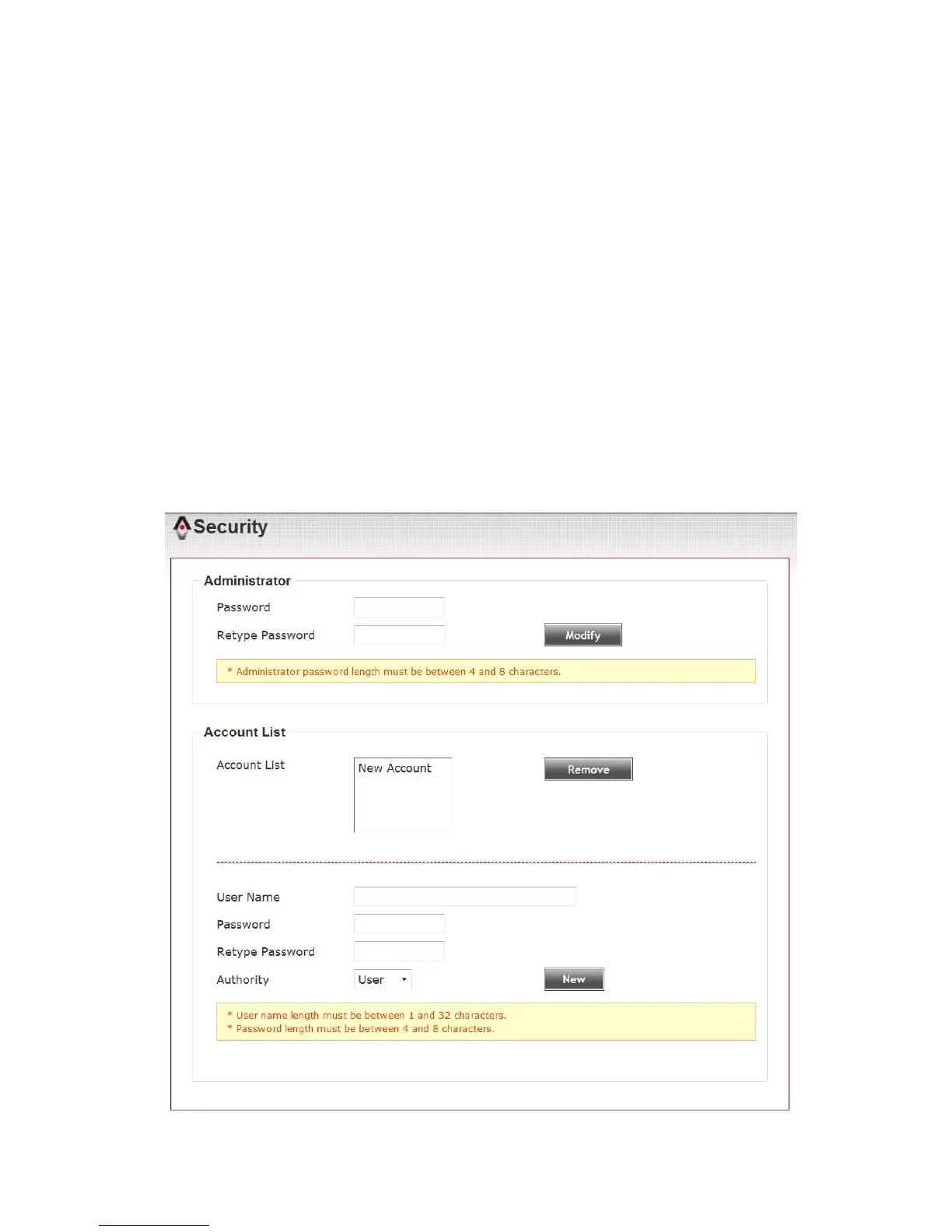
3-2 Security
In this menu, you can configure IP camera’s login account.
There are three kinds of account:
- Administrator (Can view IP camera’s video and make changes of camera
setting)
- User (Can view IP camera’s video and see LOG, and change Client
Setting and language)
- Guest (Can view IP camera’s video , and change language )
There can be multiple users, but only one administrator is allowed, and
you can’t change administrator’s user name (it will always be
‘administrator’).



 To Next Page