‘http://192.168.2.3:82’ in web browser’s address bar to access IP
camera’s web configuration interface.
Input RTSP port number. When this port number changes, you
must change corresponding settings in external network devices
(NVR or CMS software) so they can receive this IP camera’s video.
When you finish with above settings, click ‘Apply’ button to save changes.
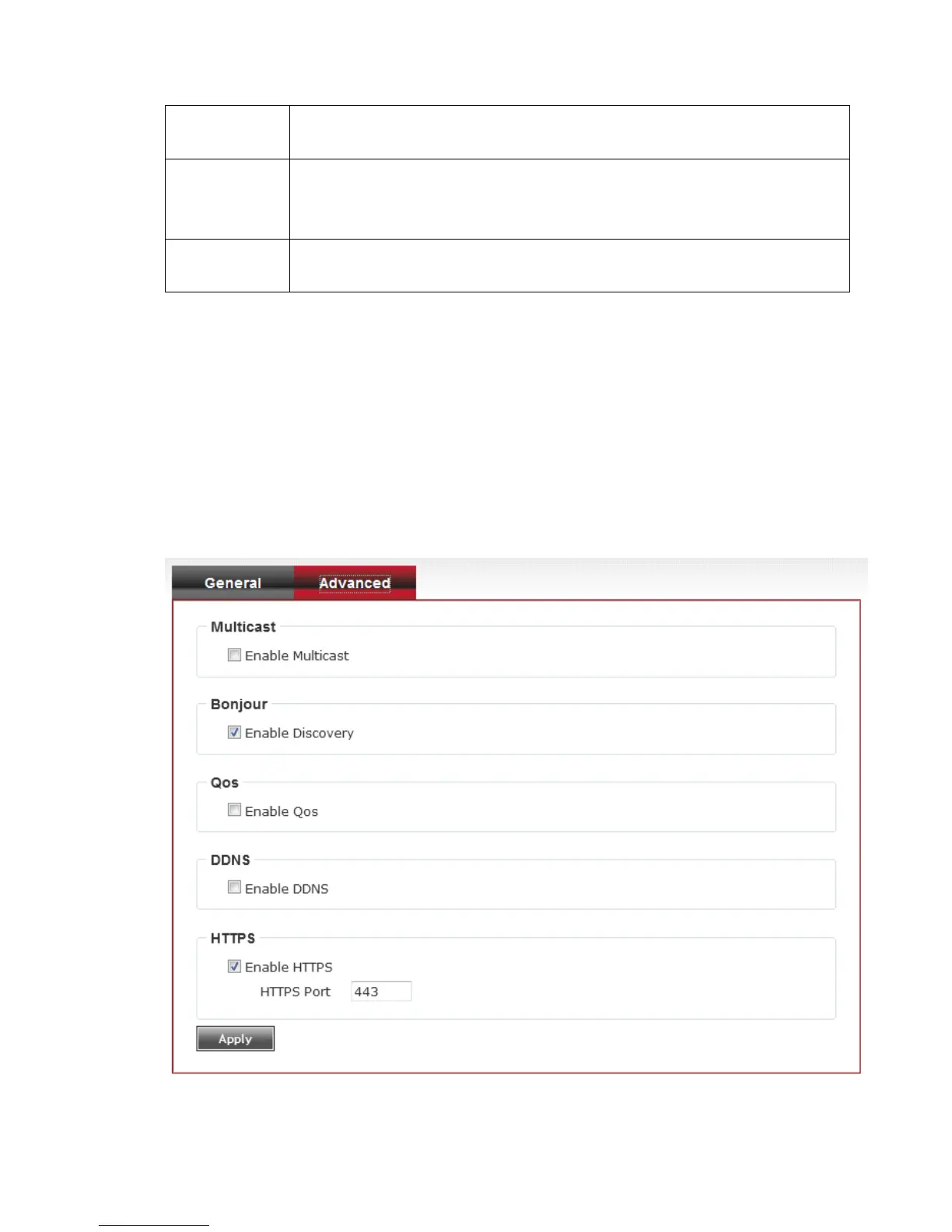
3-3-2 ‘Advanced’ setup page
You can setup advanced network settings in this page. This page is
intended for advanced settings only, and this IP camera will work fine even
you don’t make any changes to this page.
Here are the descriptions of every setup item:



 To Next Page