19
Chapter III Advanced Configuration
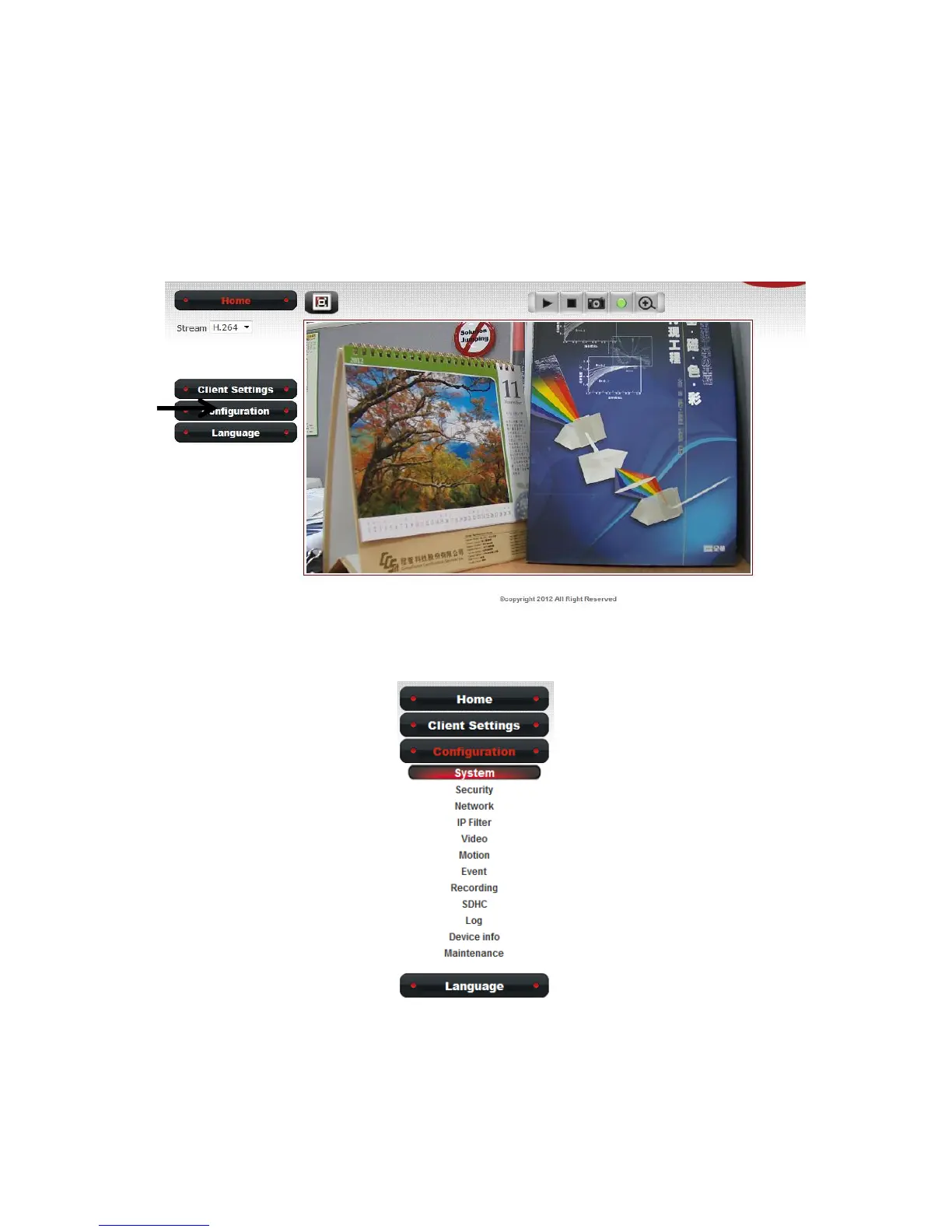
If you wish to configure IP camera’s settings, you can access IP camera’s
‘Configuration’ menu, which provides various kinds of system setting.
To access configuration menu, click ‘Configuration’ button on the left.
The ‘Configuration’ submenu will appear, please pick a setup item you
wish to configure.



 To Next Page