10
Chapter II Using Network IP Camera by Web
Interface
2.1 Locate the IP address of Network IP Camera
You can use your new Network IP Camera by its web user interface via web
browser. Currently the viewing system requirement for Network IP camera
is:
■ OS: Microsoft Windows XP / Vista / Win7
■ Browser: IE8 / IE9 (32bits)
■ Cell phone: 3GPP player
■ Quick Time: 7.0 or above
You must know the IP address of IP Camera before you can connect to it.
By default, the network camera automatically obtains an IP address from
the DHCP server on your local network. Check your DHCP server’s IP
address lease table to find the network camera’s IP address, or use the
EdiView Finder utility included in the CD.
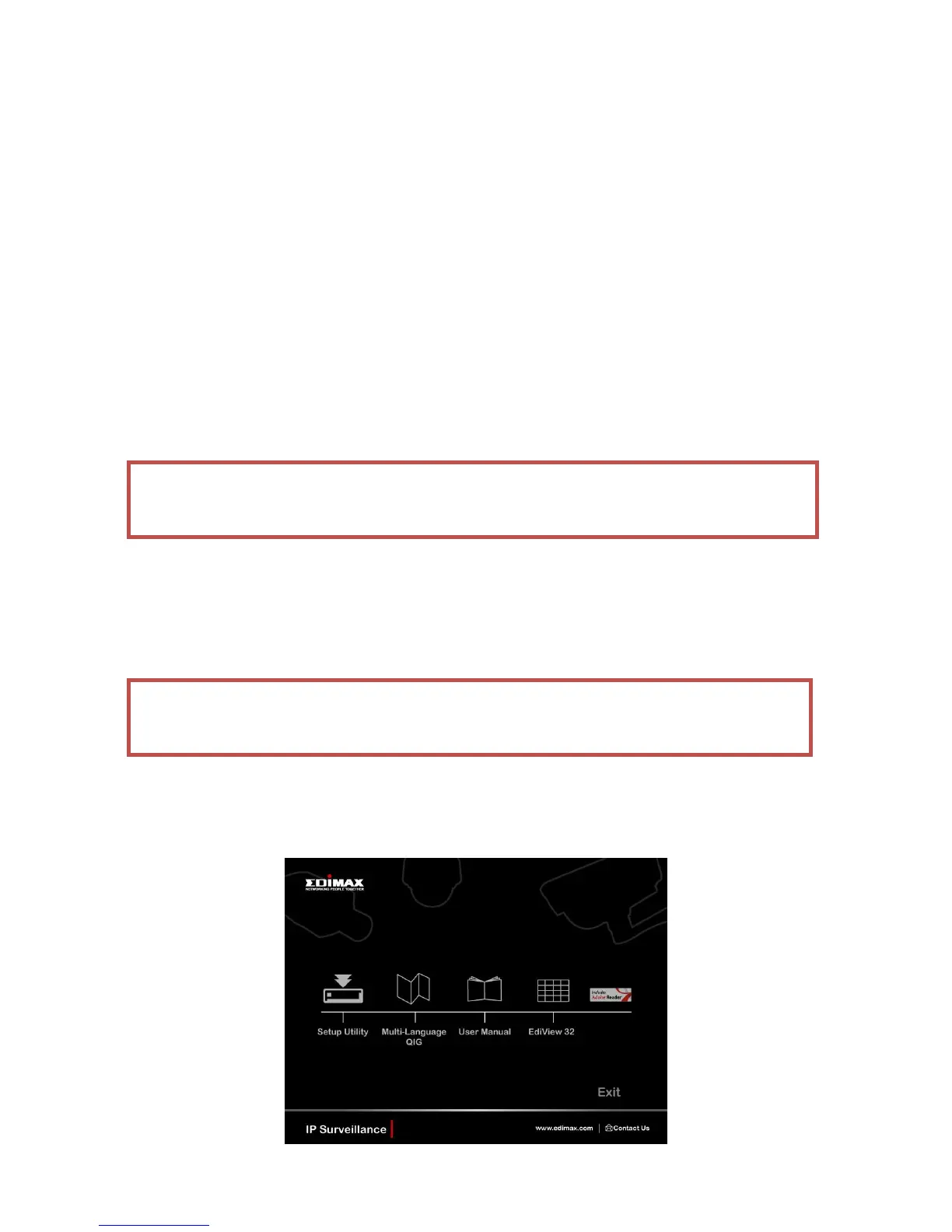
1. Insert the CD into your CD-ROM drive. When the wizard appears, click
“Setup Utility” to install the “EdiView Finder” software.
Note: For best viewing experience we recommend that you use
Microsoft Windows Internet Explorer 8 or 9.
Note: We recommend that you use Microsoft Windows to install your
network camera - Mac is not supported.



 To Next Page