35
Here are the descriptions of every setup item:
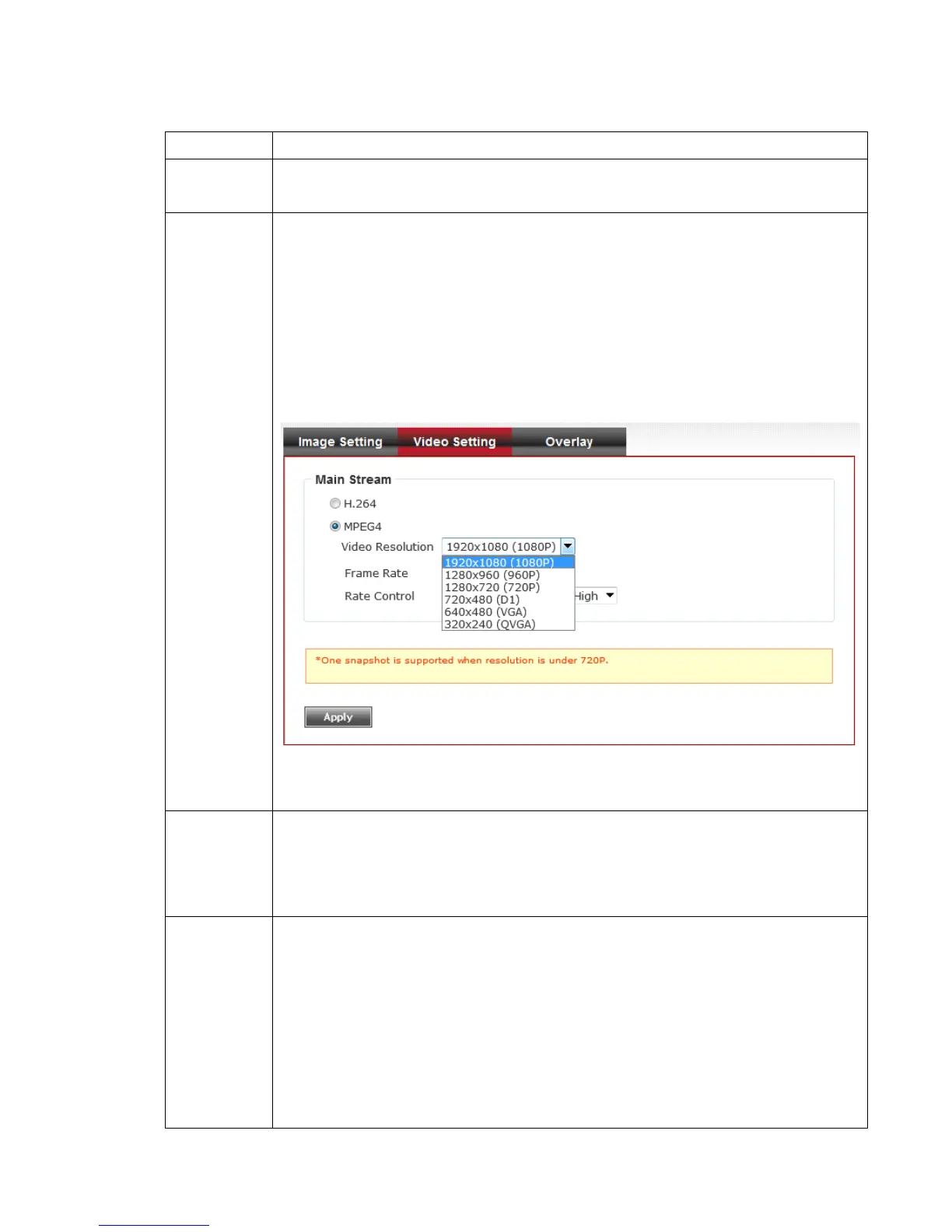
Select the compression of main stream: H.264.
Select video resolution.
- H.264:
1920x1080 (1080p) / 1280x960 (960p) / 1280x720 (720p)
720x480 (D1) / 640x480 (VGA) / 320x240 (QVGA)
- MPEG4:
1920x1080 (1080p) / 1280x960 (960p) / 1280x720 (720p)
720x480 (D1) / 640x480 (VGA) / 320x240 (QVGA)
Please note that some video resolution is not available when video
encoder is ‘MPEG4’.
When network speed is insufficient, select a lower video resolution
will help.
Select video frame rate. Please note that some frame rate is not
available when video encoder is ‘H.264’.
When network speed is insufficient, select a lower frame rate will
help.
Select video bit rate. You can control bit rate by both ‘Video quality’
and ‘Bitrate’:
- Video quality: There are 5 levels of video quality, select ‘very high’
to improve video quality but consumes more network bandwidth,
and select ‘very low’ will decrease video quality and consumes
less network bandwidth.
- Bitrate: Input video’s bit rate directly. It must an integer between
512 and 4000. Higher bit rate provides better video quality, but



 To Next Page