28
IV Browser Based Configuration Interface
Some functions of the browser based configuration interface are
disabled for different mode settings, please refer to the sections
applicable for your desired mode.
The browser-based configuration interface enables you to configure the
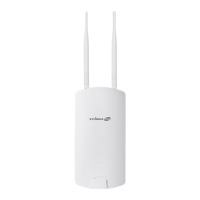
device’s advanced features. The OAP1300 features a range of advanced
functions such as MAC filtering, MAC RADIUS authentication, VLAN
configurations, up to 32 SSIDs and many more. To access the browser based
configuration interface:
1. Connect a computer to your access point using an Ethernet cable.
2. Enter your access point’s IP address in the URL bar of a web browser.
The access point’s default IP address is 192.168.2.2.
3. You will be prompted for a username and password. The default
username is “admin” and the default password is “1234”, though it was
recommended that you change the password during setup (see II-5
Basic Settings).
If you cannot remember your password, reset the access point back to its
factory default settings. Refer to I-5 Reset.


 To Next Page