81
IV-3-7 Schedule
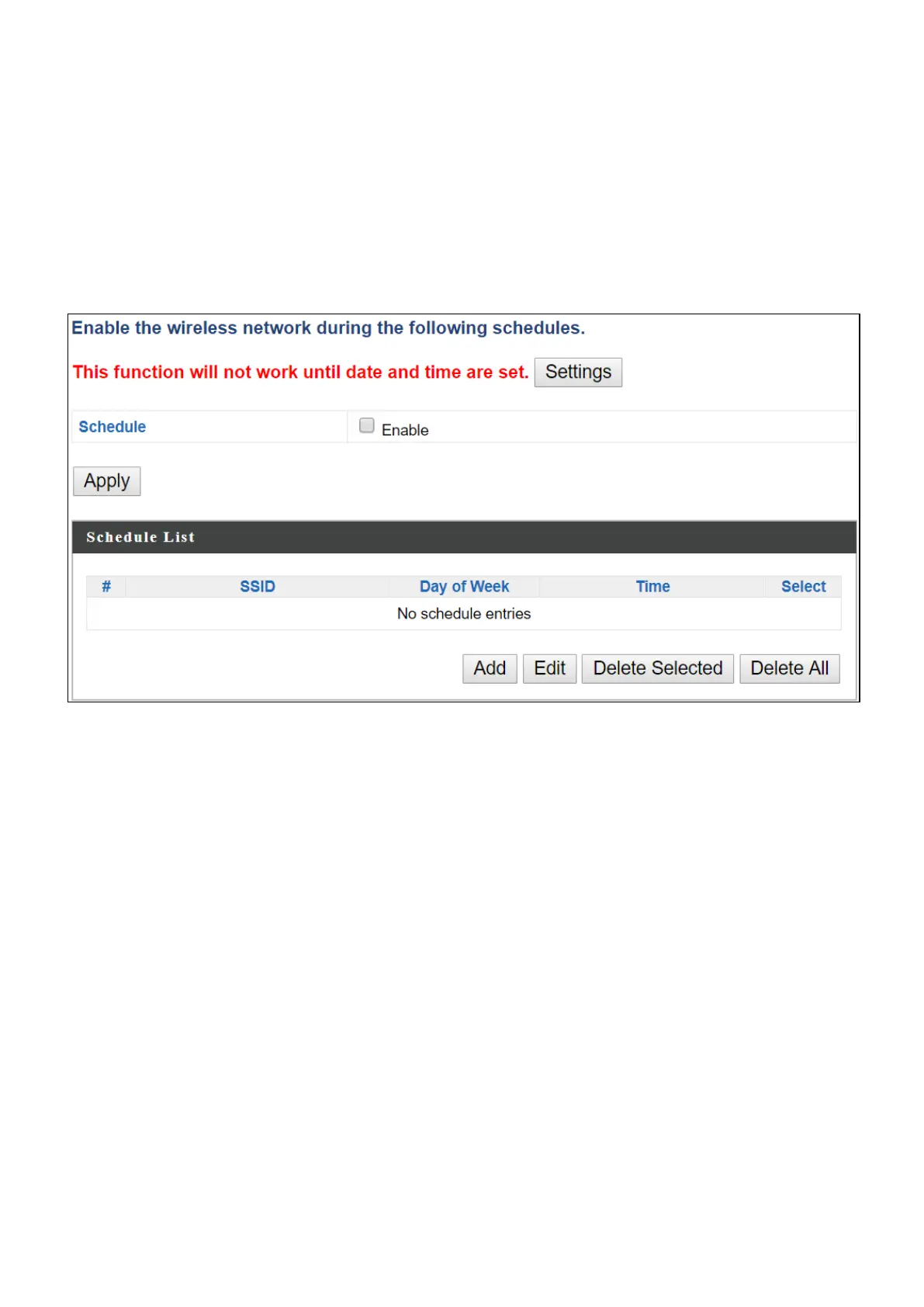
The schedule feature allows you to automate the wireless network for the
specified time ranges. Wireless scheduling can save energy and increase the
security of your network.
Check/uncheck the box “Enable” and select “Apply” to enable/disable the
wireless scheduling function.
1. Select “Add” to add a schedule.
2. Settings page will be shown if “Continue” is selected:
Check/uncheck the box of the desired SSID network, day of schedule
and select the Start Time and End Time (using the dropdown menu).
Select “Apply” to apply the settings, or “Cancel” to forfeit the schedule.


 To Next Page