82
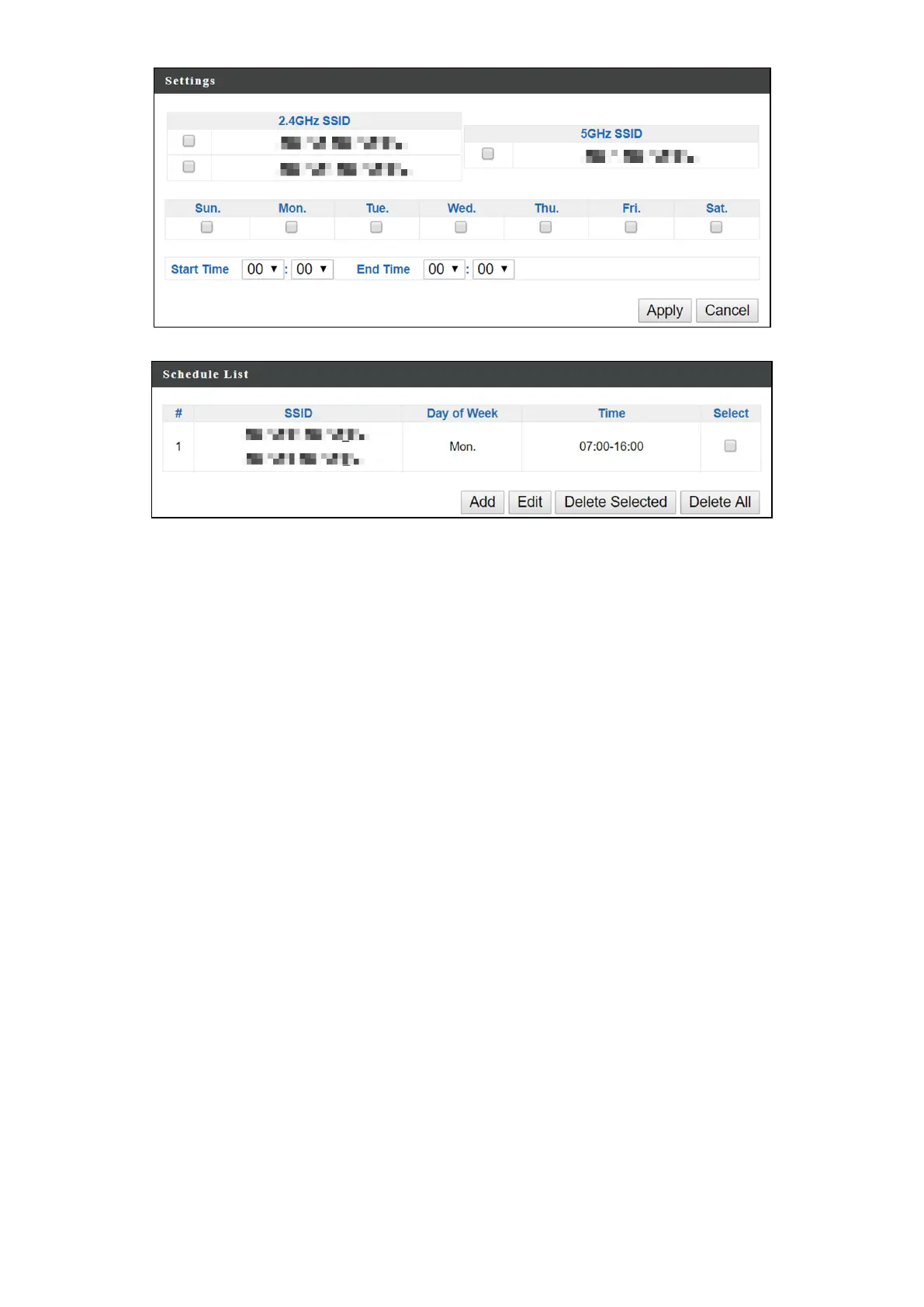
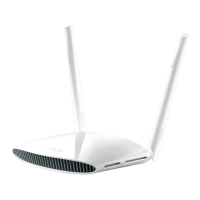
Schedules will be shown in the Schedule List as exemplified below:
3. Select “Add” to add more schedules; or
Check the box of currently available schedule, select “Edit” to edit, or
select “Delete Selected” to delete; or
Select “Delete All” to delete all schedules.


 To Next Page