GS-60B Residential Gas Meter - Product Guide
Copyright © 2020 EDMI Europe Ltd. All rights reserved
Version / Status: 1.0
Public
Emergency Credit Available. “Press Return
for” will be displayed for 2 seconds, followed
by “emergency credit” for 2 seconds,
followed by a blank row for 1 second to
ensure the message is read in the correct
order. (Prepayment mode only).
Supplier message indicator. Illuminated
when a supplier message has been sent to
the device and is available to read.
9 Pushbuttons & User Interface
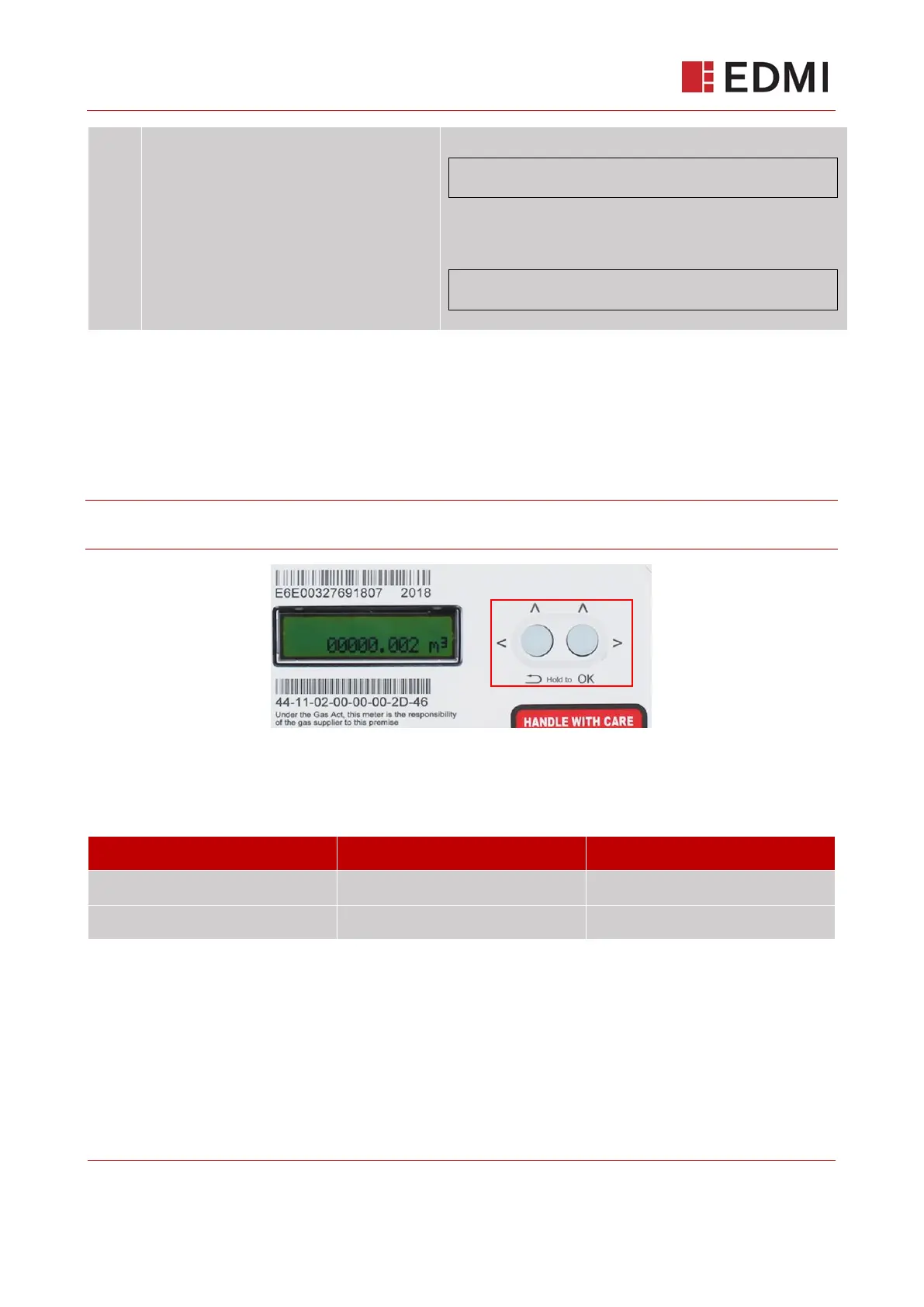
The GS-60B has two pushbuttons on the front of the meter, allowing installers and end users to
interact with the meter. Figure 9-1 shows the positioning and format of the left (Hold to back) and
right (Hold to OK).
Note: Throughout the document a press and hold of the right button will be referred to as ‘OK’, a
press and hold of the left button will be referred to as ‘BACK’ or ‘RETURN’.
Figure 9-1 Location of the pushbuttons
To access the LCD menus, wake the device by pressing and holding the OK (right) button. Table
2: Menu Navigation describes how to use the navigation buttons.



 To Next Page