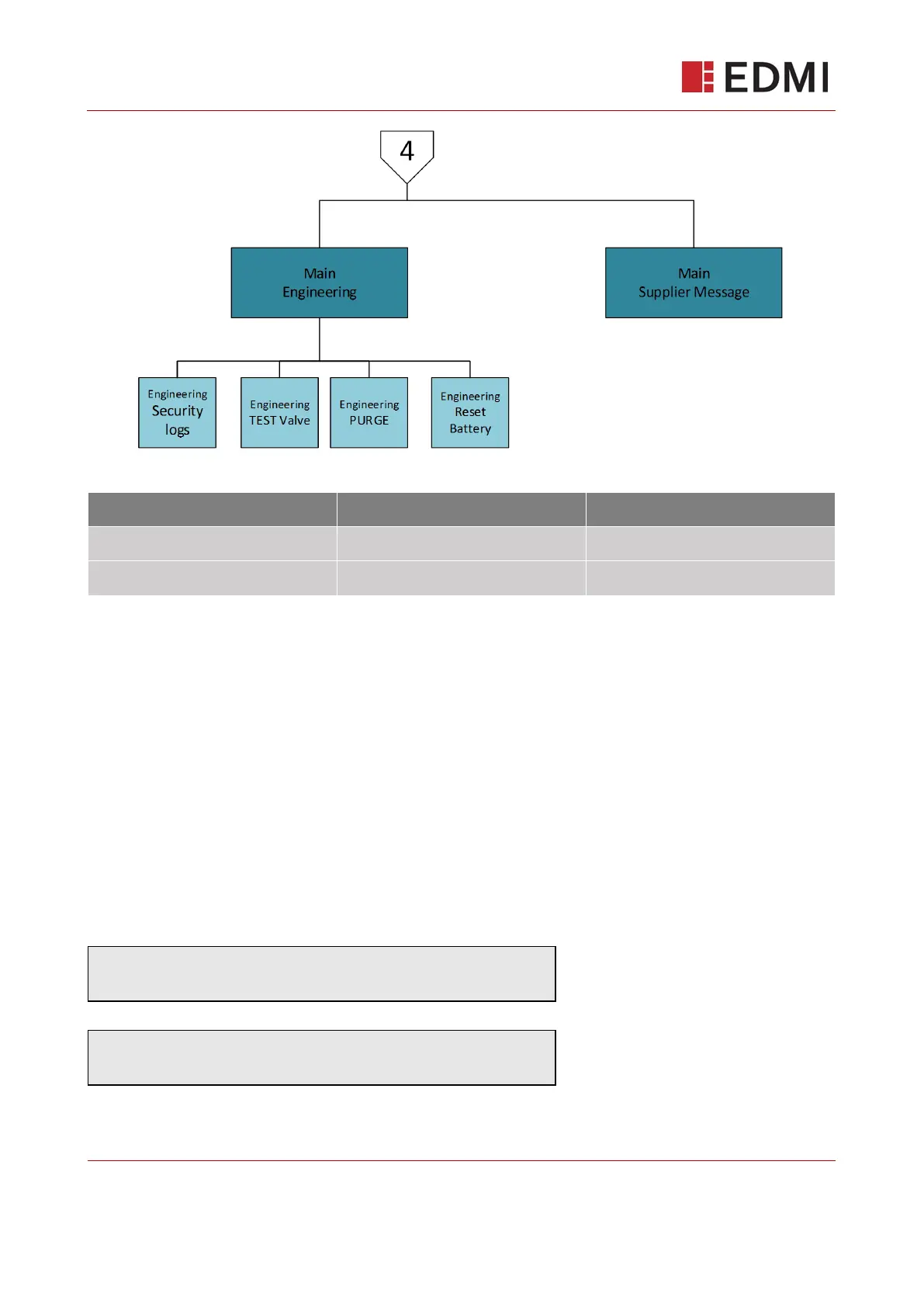
Table 3: UI Button functions
11.2 The Default (Main) Screen – Credit Mode
The main screen will display the most prominent information at-a-glance. The second row will auto
cycle through 3 screens with a 5 second delay between each.
Display will revert back to this default screen when no buttons have been pressed for 30 seconds.
The data displayed will be Consumption Register in M
3
(the display of the consumption may have
leading zeros dependent upon the configuration).
The consumption value displayed in M3 is deemed to be legally relevant measurement data,
according to MID metering regulations.
The main screen displays basic information at-a-glance, cycling through:
Consumption in M
3
Meter Balance



 To Next Page