EasyManua.ls Logo

EDMI GS-60B - 12 Top up Pay as You Go Credit

EDMI GS-60B
46 pages
Print Icon
To Next Page IconTo Next Page
To Previous Page IconTo Previous Page
Loading...
GS-60B Residential Gas Meter - Product Guide
Copyright © 2020 EDMI Europe Ltd. All rights reserved
Version / Status: 1.0
Public
PAGE 37 OF 46
When in this menu, the UI buttons perform the following actions:
Left / Right
No effect.
OK
No effect.
Return
Return to parent menu.
12 Top Up Pay As You Go Credit
To top up PAYG credit, a Unique Transaction Reference number (UTRN) is required. Each UTRN
is valid for only one transaction on a specific meter.
To top up the meter balance:
1. From the Top Up menu, use the:
Left / Right buttons to scroll through digits 0-9.
OK button to select a digit and move to the next.
Return button to delete the currently selected digit and return to the previous digit.
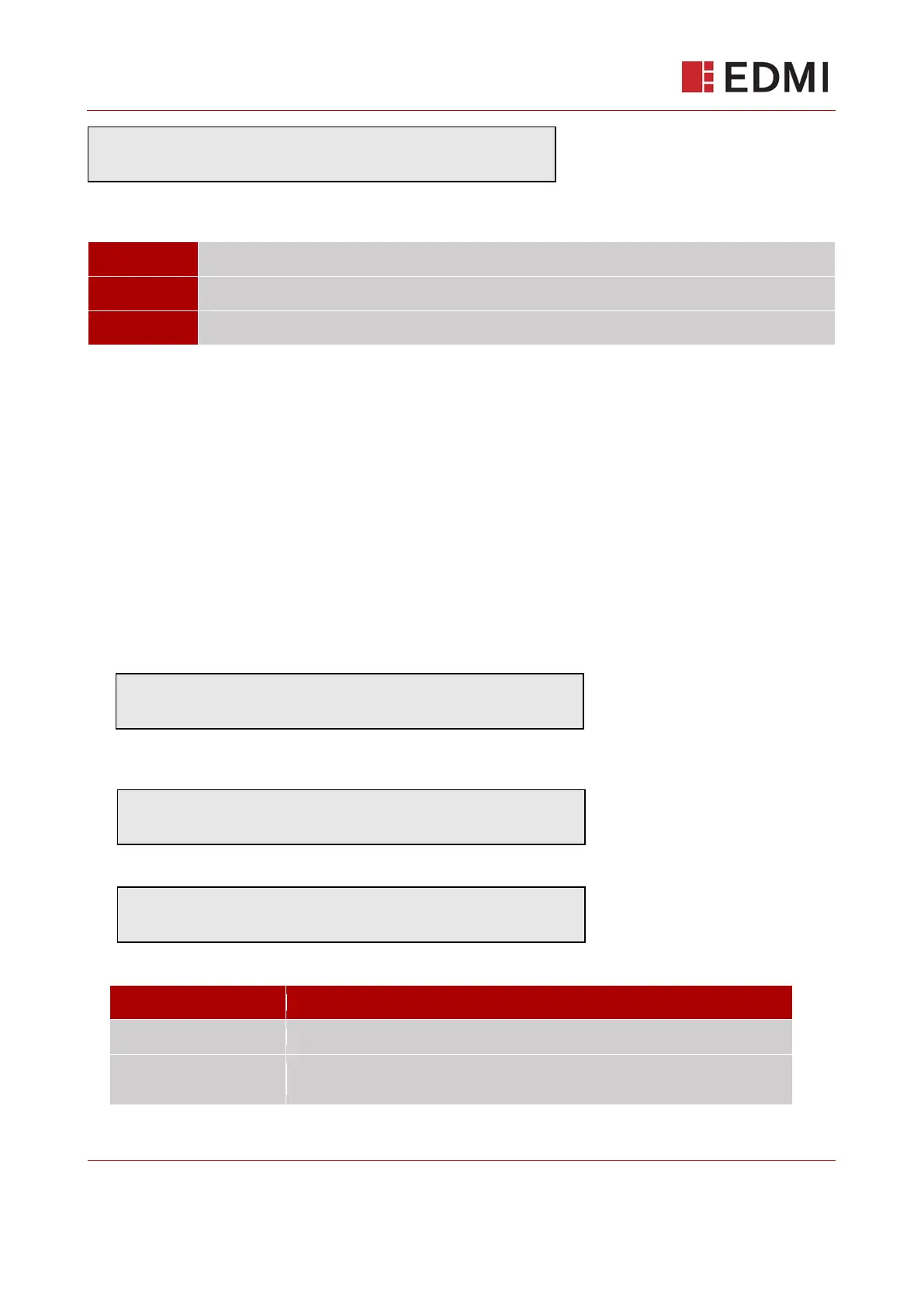
2. After the last digit of the UTRN has been entered the screen will display::
If the entered UTRN is valid, the screen will display the amount of the top up and “Top up
Successful”. For example:
If the entered UTRN code is invalid for any reason the screen will display:
Where [Reason] corresponds to the following table:

[Reason]
Description
Duplicate TopUp
The same UTRN has been previously entered.
Exceeds maximum
The UTRN exceeds the maximum credit threshold or exceeds maximum top
up.
T
o
p
a
y
:
£
0
A
p
p
l
y
i
n
g
t
o
p
u
p
.
.
.
£
1
0
.
0
0
T
o
p
u
p
S
u
c
c
e
s
s
f
u
l
T
o
p
u
p
f
a
i
l
e
d
[
R
e
a
s
o
n
]

Related product manuals