Upon Successful Completion
The message will time out after 10 seconds or if dismissed by pressing the OK button. LCD reverts
to Parent Menu.
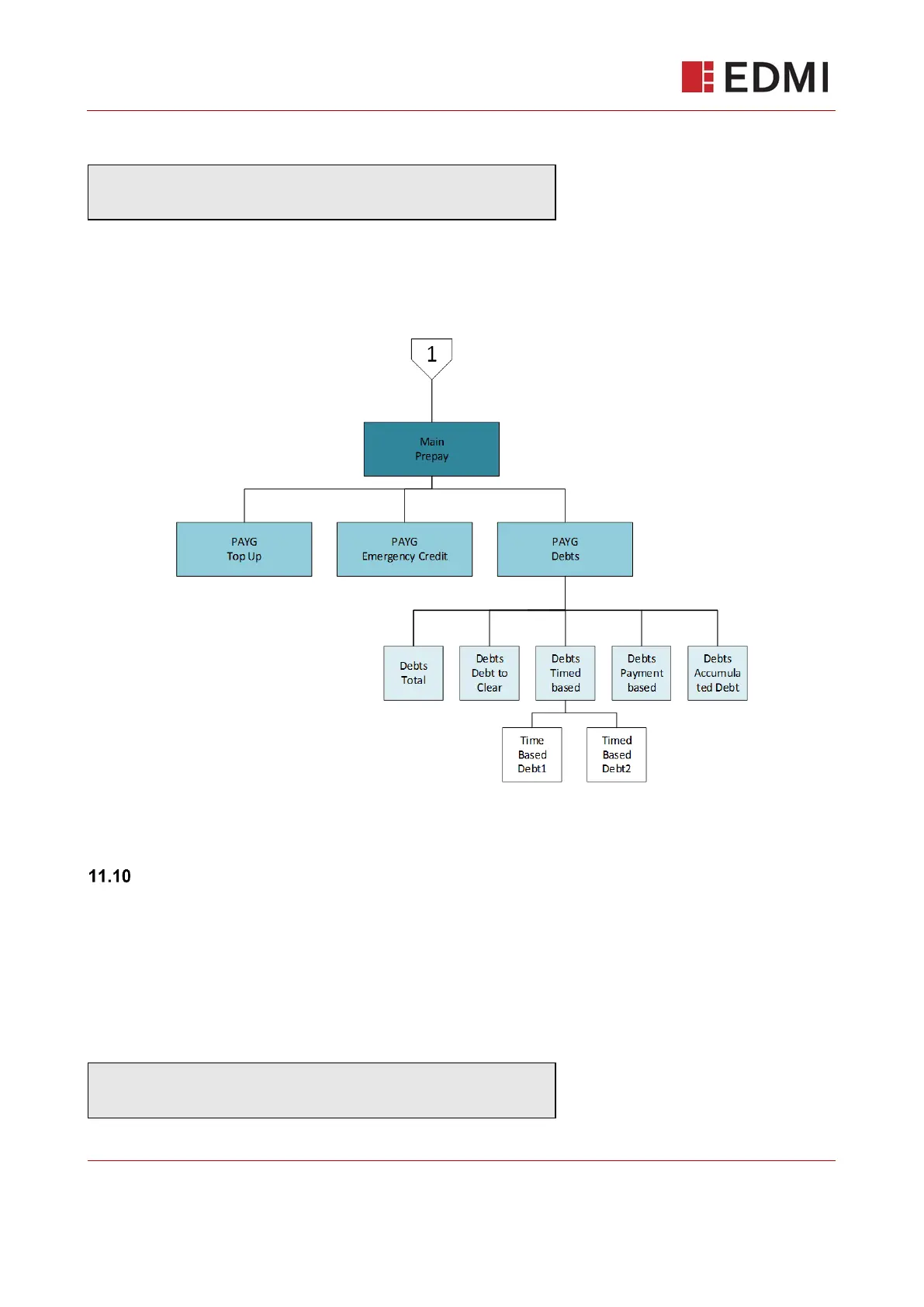
11.9 Prepayment Mode Menu Structure
Figure 9-3: Prepayment Mode Menu
The Default (Main) Screen – Prepayment Mode
The main screen will display the most prominent information at-a-glance. The first row is reserved
for messages relating to prepayment state. The second row will auto cycle through 3 screens with
a 5 second delay between each.
The main screen displays basic information at-a-glance, cycling through:
Consumption



 To Next Page