Introduction
1.8 EST3 System Operation Manual
DETAILS
S000 T000 M000
EVENT MESSAGE
P:01 C:02 D:0004
DEVICE MESSAGE LINE 1
DEVICE MESSAGE LINE 2
A003
[3SCRN6.CDR]
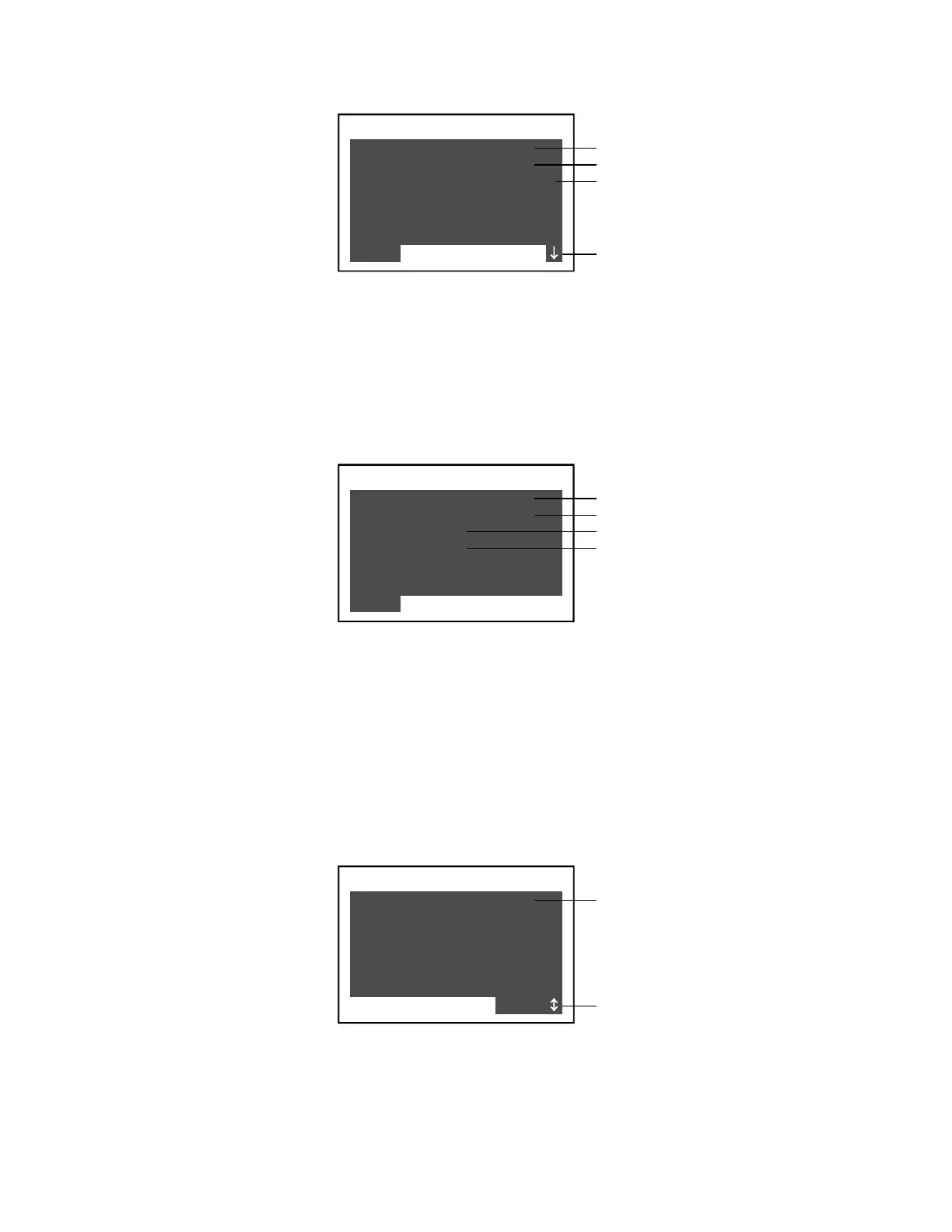
Event message
Scrolling indicator
Device's logical address
Device message
Each device panel shows the event message or state of the
device, the device address, and the device message (usually the
device location) which can be one or two lines long.
Guard patrol details
When a guard patrol route goes active, pressing Details displays
information about the station (device) that is in alarm.
DETAILS
S000 T000 M000
EVENT MESSAGE
P:01 C:02 D:0004
PATROL: 999
STATION: 99
A001
[3SCRN8.CDR]
Event message
Device's logical address
Patrol or route number
Device or station number
The Details panel shows the event or state of the off-normal
station, as well as the logical address, patrol or route number,
and station number of the device.
Instruction text details
Your system may be programmed to include detailed
instructions for certain events. When specific devices go into
alarm, the system generates a related monitor event. If you select
the monitor event, then press Details, the instruction text is
displayed.
DETAILS
A002 S000 T000
LOREM IPSUM DOLOR SIT
AMET, CONSECTETUER AD
IPISCING ELIT, SEDIAM
NONEQAM NIBH EUISMOD
TINCIDUNT UT LAOREET
DOLORE MAGNA ALIQUAM
M001
[3SCRN9.CDR]
Instruction text
Scrolling indicator



 To Next Page