3-ASU operating instructions
EST3 System Operation Manual 3.7
Optional audio zone controls
The system can provide total manual control of the paging
signals. This permits the individual in charge to extend the
coverage area of the page beyond the pre-programmed areas.
Your system may have the option of manually directing the page
message using one of the types of control/display modules
shown in Figure 3-2. The specific type and location of these
displays will vary, however the basic functions are similar.
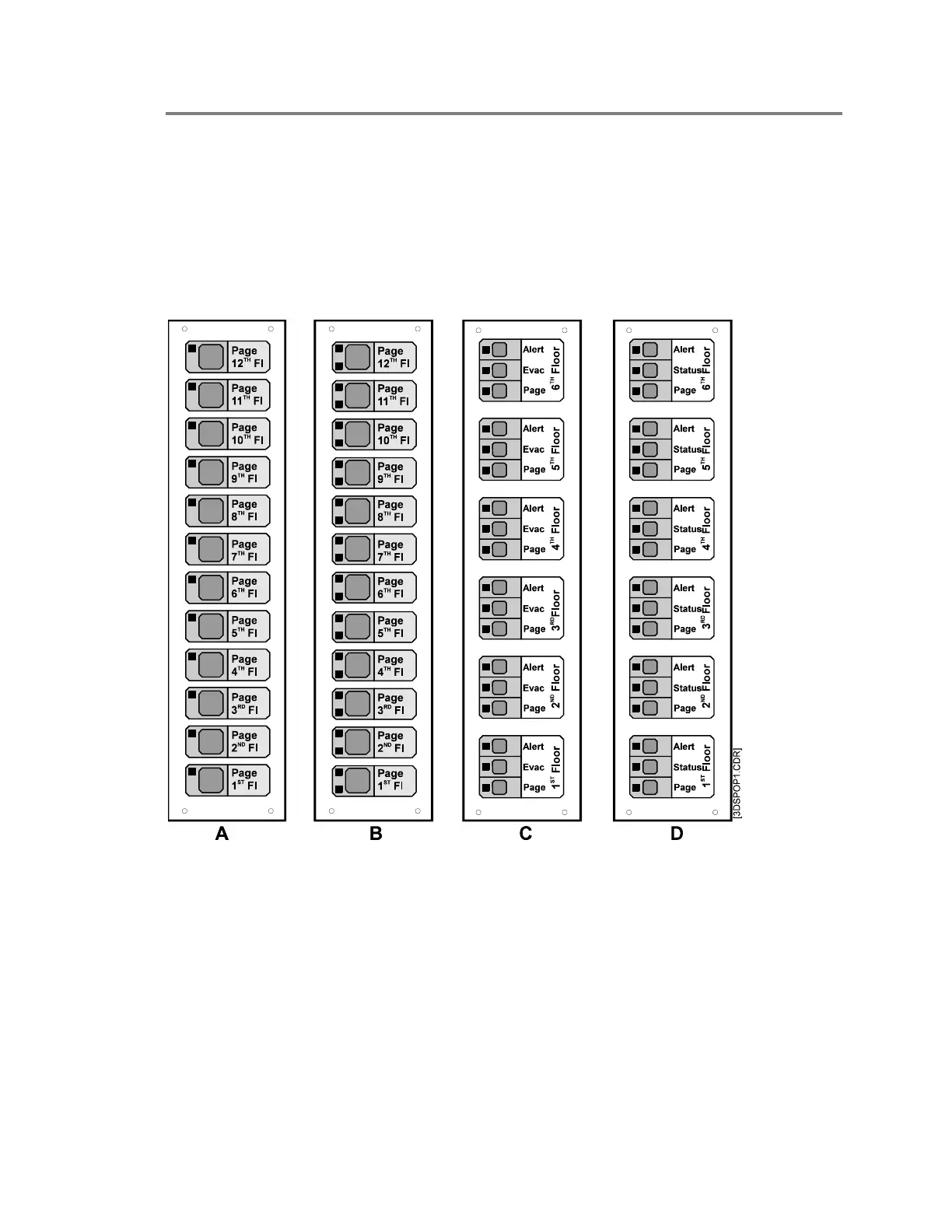
Figure 3-2: Control/display module options
Pressing a zone select switch on the displays shown in Figure
3-2A and Figure 3-2B adds that zone to any zones selected by
the page function switches on the Audio Source Unit. The LED
in the upper left corner of each floor’s control/display module is
on when the floor is selected. The LED in the lower left corner
on display B is used to annunciate trouble on an amplifier or
notification appliance circuit associated with the zone.
The control/display module shown in Figure 3-2C is used to
manually direct the Evac and Alert signals as well as the page



 To Next Page