3-FTCU operating instructions
EST3 System Operation Manual 4.7
[3FTCUOP9.CDR]
Pending Call Counter
Connected Calls
Identification List
Connected Calls Counter
Reversed text indicates
the selected connected call
5 Calls Connected
0 Calls Pending
First FL stairwell
Penthouse
First FL stairwell
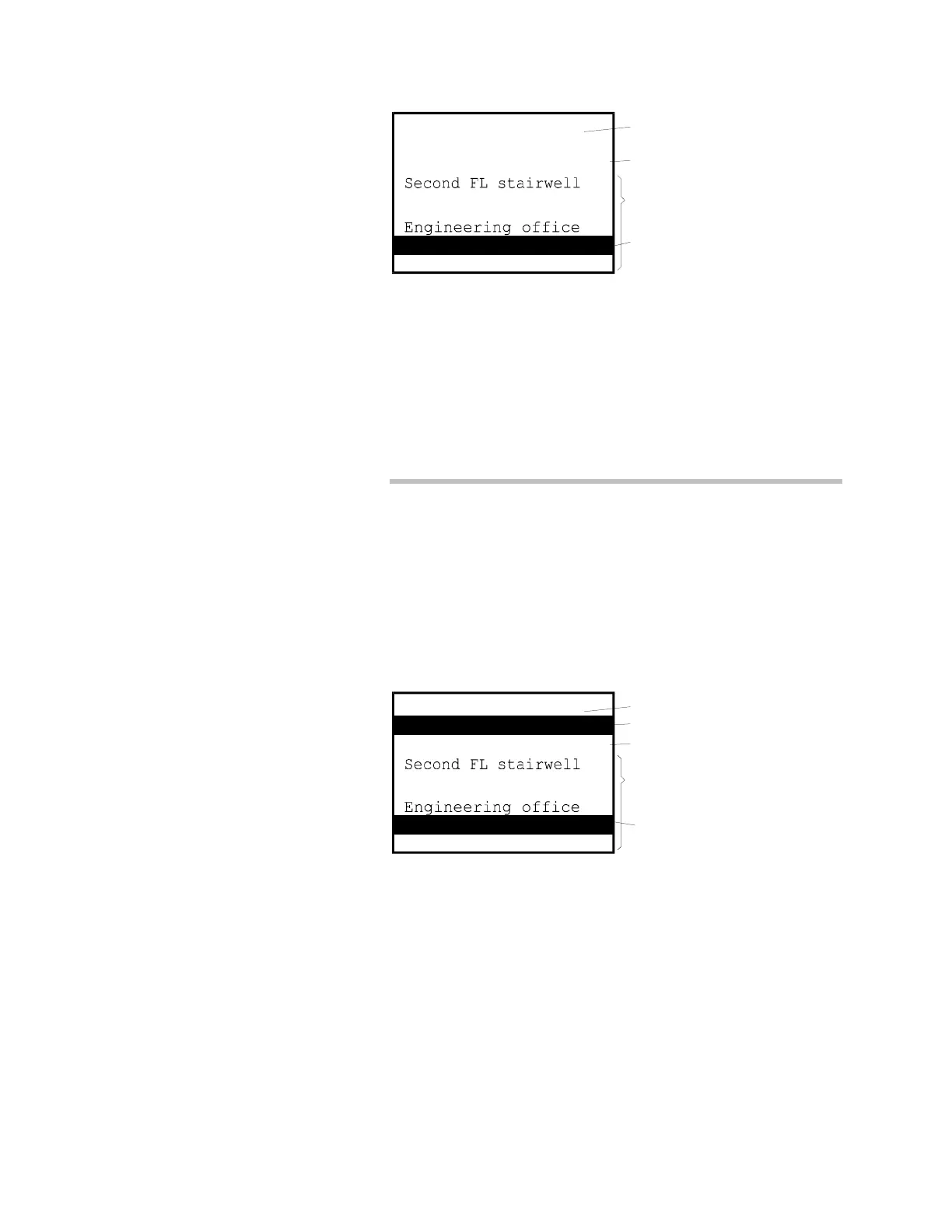
Figure 4-7: 3-FTCU Display, Five Connected Calls
Disconnecting calls
When a calling party is ready to hang up or remove a phone
from its jack, the operator should disconnect the call as
described below.
To disconnect a call
1. Press the Review Connected switch until the call to be
disconnected is displayed in reversed text. In Figure 4-7, the
Penthouse phone is selected.
2. Press the Disconnect switch. The call will be removed from
the connected calls list and added to the pending calls list as
shown in Figure 4-8 below. When the remote phone is hung
up or removed from the phone jack, it will be removed from
the calls pending list.
[3FTCUOP
.CDR]
Pending Call Counter
Pending Call Identification
Connected Calls
Identification List
Reversed text indicates
the selected connected call
Connected Calls Counter
4 Calls Connected
1 Calls Pending
First FL stairwell
Penthouse
First FL stairwell
Figure 4-8: 3-FTCU Display, One Pending Call and Four
Connected Calls
3. Hanging up the master handset in the 3-FTCU transfers all
connected calls to the calls pending list. If the remote
phones have not been hung-up within 20 seconds, the call in
buzzer will resound.



 To Next Page