Introduction
EST3 System Operation Manual 1.5
Display operation
The information presented on the main display depends on the
operating condition of the panel: normal state (no events
present) or off-normal state (at least one event).
Normal state
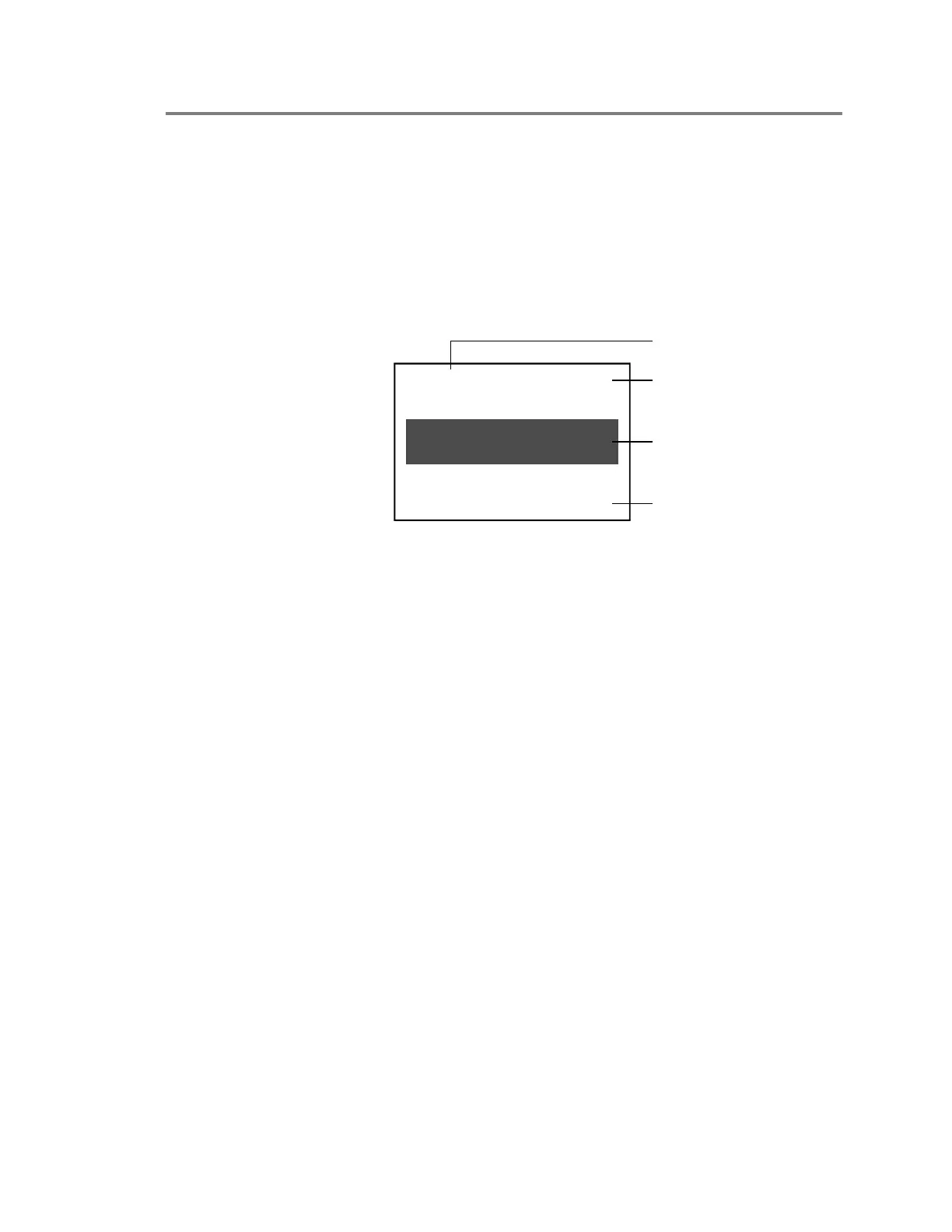
Figure 1-1 shows the information presented on the main display
when the panel is in a normal operating condition.
11:03:12 01-25-2001
Alarm History 0002
ACME CORPORATE
HEADQUARTERS BUILDING
[3SCRN1.CDR]
Date
Custom banner
Alarm history
Time
Figure 1-1: Main display screen when panel is in normal state
• The top of the screen displays the system time and date. The
time is in 24-hour format. The project configuration settings
determine the date format.
• The middle of the screen displays an optional custom banner
message, if programmed into the system. Otherwise, this
area is left blank.
• The bottom of the screen displays the total number of times
that the panel has gone into alarm since the panel was placed
into service or since the last time the alarm history was
cleared.
Off-normal state
Figure 1-2 shows the information presented on the main display
when the panel is in an off-normal operating condition.
Note: The EN-54 marketplace operates differently. Refer to the
EST3 International Installation Supplement Manual.



 To Next Page