STP-301/451 Series Instruction Manual
7-9
Operation
NORMAL:48000 rpm
BRAKE: ***00rpm
RATING: 48000 rpm
LEVITATION
Brake state
The STP pump can be stopped
by manual or remote operation
with any message displayed.
Stop operation of the
STP Pump
ACCEL: ***00rpm
LEVITATION
Normal operation state
Acceleration state
PUMP TEMP: **°C
<Manual Operation>
STP pump can be started with
either message displayed:
“LEVITATION”
“BRAKE: ***00rpm”
<Remote Operation>
STP pump can be started with
any message displayed.
Start operation of the
STP Pump
Brake state
The message displayed can be
changed by pressing the
“SELECT” switch.
STP pum p internal temp.
Set value of rated speed
Self test com pleted
Self test in progress
Version
< LCD Message>
<STP Pump State><Operation>
Levitation state
TEST COMPLETE
SELF TEST
Execute Self Test
P021* Ver.*.**
Breaker ON
SELECT Switch
SELECT Switch
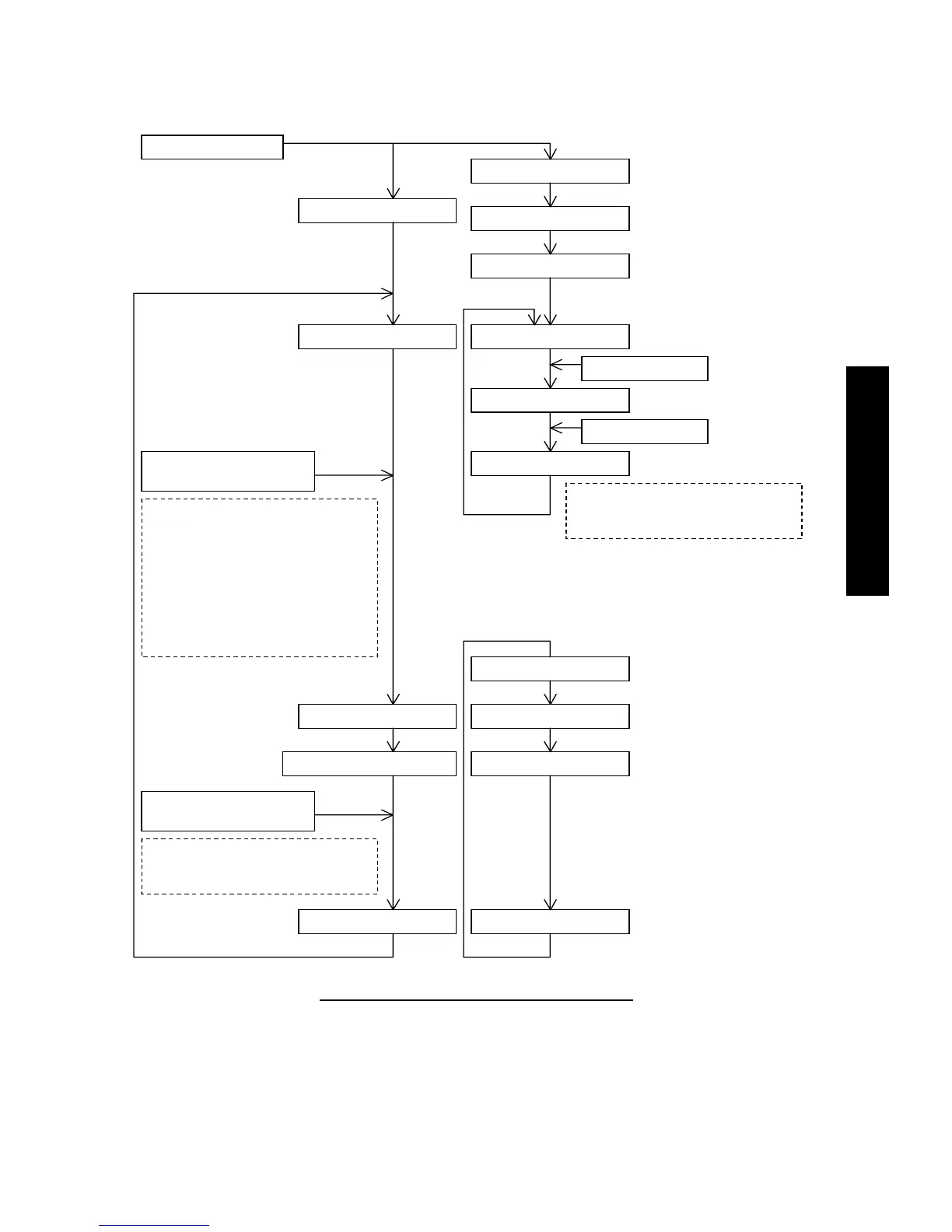
Figure 7.1 STP Pump Operation Procedures
*1
: When the SELECT switch is pressed with this message displayed, the message changes to “RATING:48000 rpm”, and when
pressed again, to “PUMP TEMP:***℃”.
*2
For the setting of the rated speed, see Section 9.2, ”Setting the Rated Speed”.


 To Next Page
 Loading...