36
when the Control mode is 7730 or 7400.
4.3.3.14 Barcode
The Barcode function allows the user to connect a barcode scanner directly to the front panel of
the instrument’s barcode port. This is utilized to enter product and serial number information for
testing.
To use this function, the user will need to plug a USB type barcode reader into the barcode port on
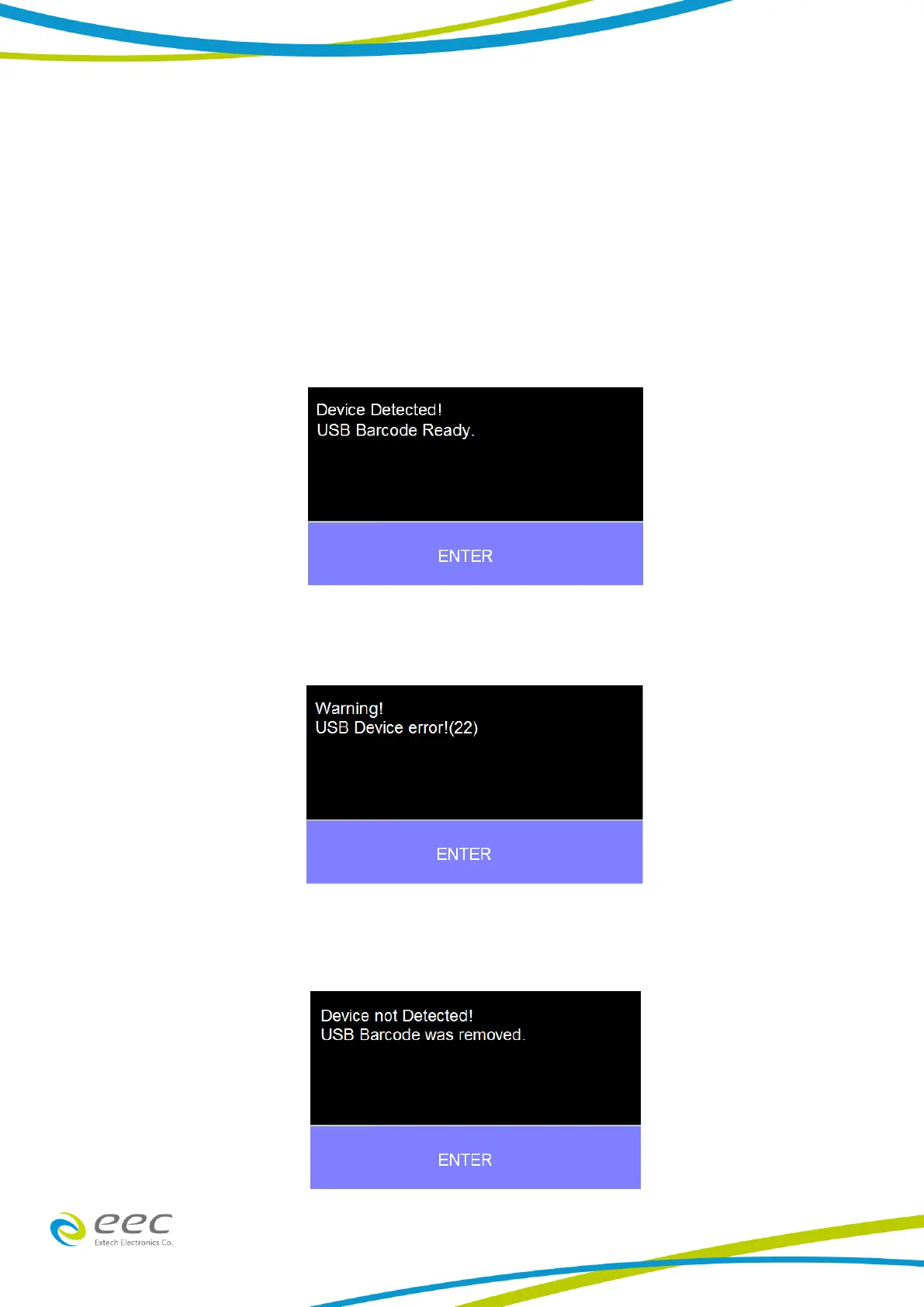
the front panel of the instrument. Once a USB barcode is plugged in, the instrument will notify the
user a reader has been detected:
If there is a problem with the connection to the barcode reader or an incompatible device is
plugged into the USB barcode port, the following message will appear:
If the USB barcode device is removed while the instrument is powered on, the following message
will appear:



 To Next Page