37
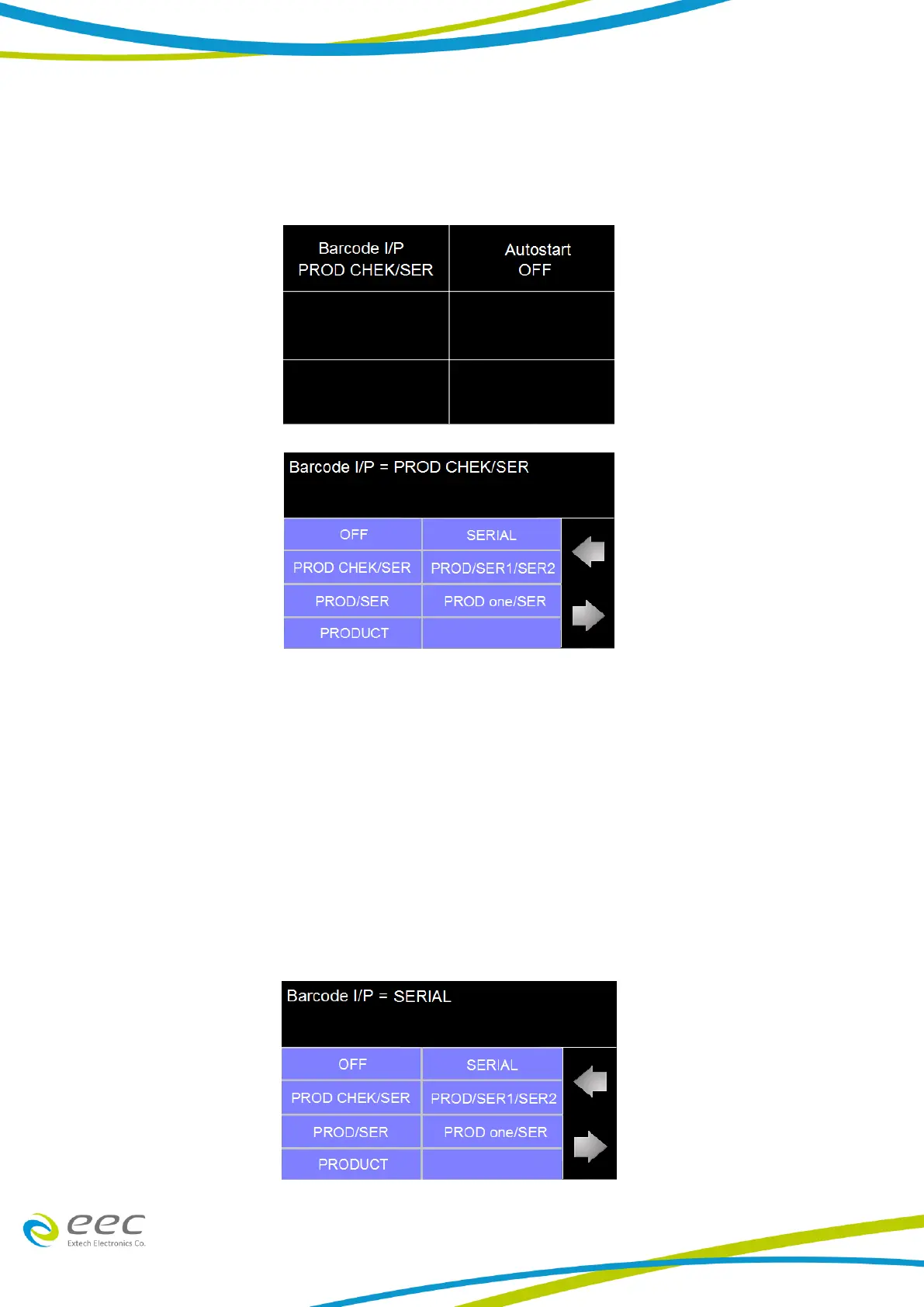
There are two options under Barcode, Barcode I/P and Autostart.
Touch the Barcode I/P icon and the following screen will appear:
The Barcode I/P function can be set to OFF, SERIAL, PROD CHEK/SER, PROD/SER1/SER2, PROD/SER,
PROD one/SER and PRODUCT.
SERIAL: Only scan the SERIAL number.
PROD CHEK/SER: Scan the PRODUCT and SERIAL number one time that need to check the
PRODUCT number.
PROD/SER1/SER2: Scan the PRODUCT number one time and two different SERIAL number.
PROD/SER: Scan the PRODUCT and SERIAL number one time.
PROD one/SER: Need to scan the PRODUCT and SERIAL number first time, after only scan the
SERIAL number.
PRODUCT: only scan the PRODUCT number.
Touch the desired icon to set the Barcode I/P. For example if the user touches the SERIAL # input
another screen will appear:



 To Next Page