38
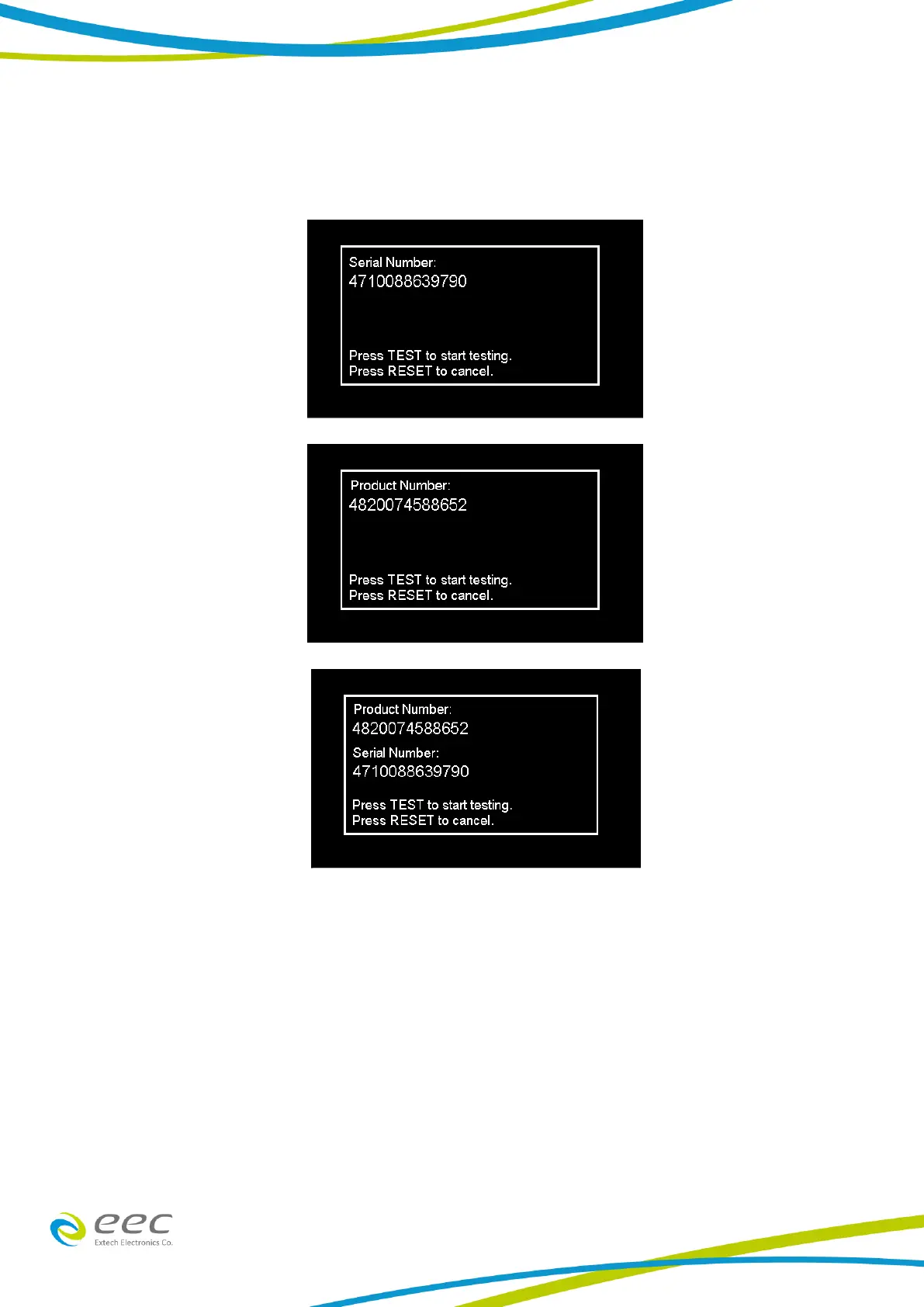
When the setting is SERIAL, PRODUCT or PROD/SER the user can scan barcodes in the Perform
Tests screen before the test is started. When the barcode is scanned, one of the following
messages will appear on the display:
After the barcodes are scanned, pressing TEST will initiate the test sequence. Pressing RESET will
abort the TEST sequence. The barcode function allows for the re-scanning of barcodes if the
previously scanned barcode was incorrect. Re-scanning is available in the SERIAL#, PRODUCT# and
SER/PROD modes. Any time before a test is initiated; the user can re-scan a barcode. If the user
decides to re-scan barcodes when the Barcode I/P setting is set to SER/PROD, the barcode
function will first replace the data in the Serial Number field, and if the user re-scans another
barcode, the barcode function will replace the data in the Product Number field.
The RUN FILE selection gives the user the ability to automatically load a test file based on what
barcode is scanned from the Perform Tests screen.
To completely enable this feature, the user must name the desired test file for a particular product



 To Next Page