41
Scroll downward to see the remaining options under the User Interface:
4.3.4.1 Results
The next parameter under User Interface is Results. This allows the user to set the desired results
display after a test sequence has been run. The Results function can be set to ALL, LAST or P/F
(Pass/Fail).
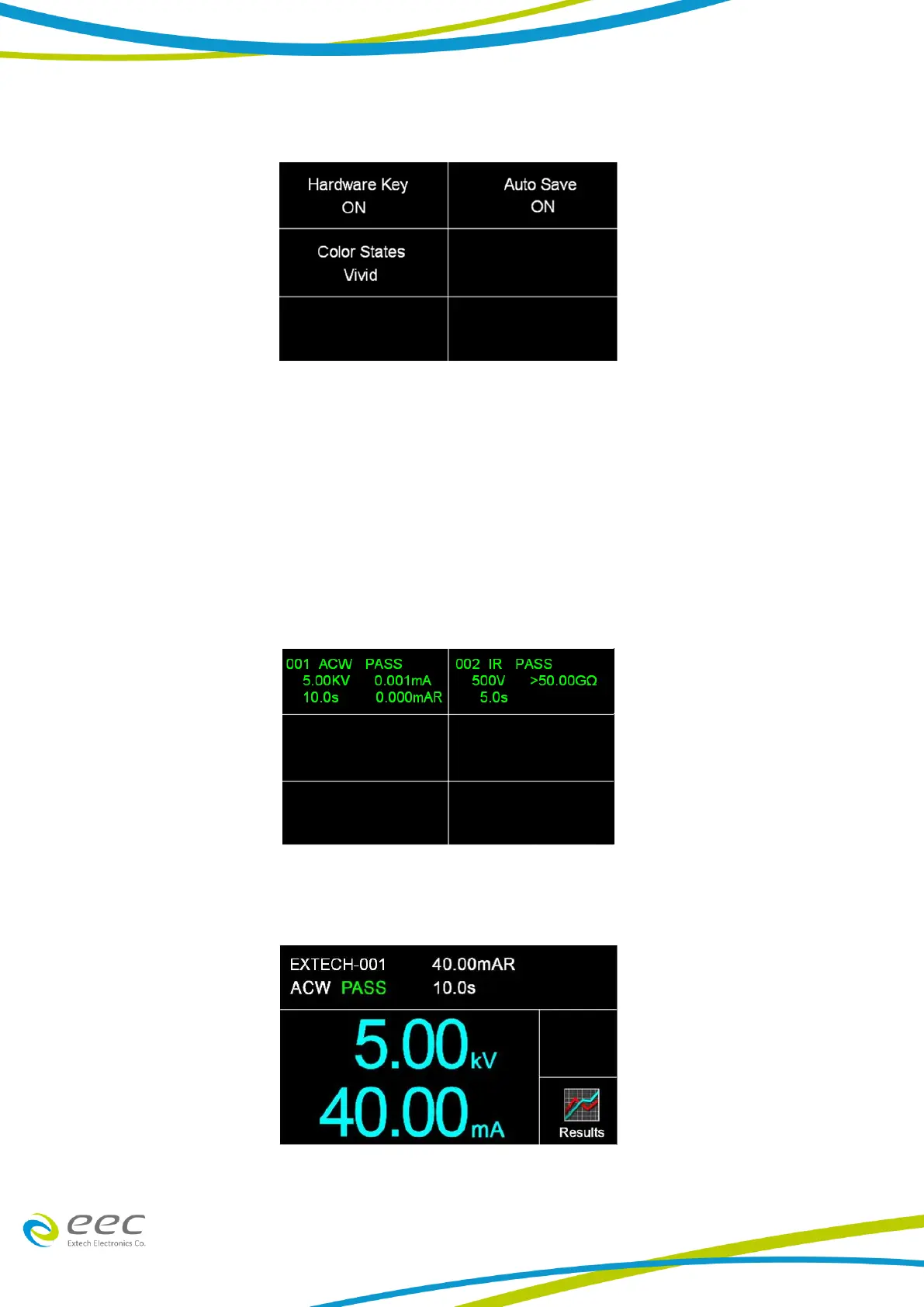
When ALL is selected, a Results summary screen will be displayed at the end of the test or
sequence of connected steps displaying the results of all of the steps. The Results summary screen
will appear as follows:
When Last is selected, the results of the last step performed will be displayed on the Perform Tests
screen. There will not be a change in appearance or special screen displayed in this mode:
When P/F is selected, a Pass or Fail screen will be displayed at the end of the test. The Pass and



 To Next Page