ADMINISTERING THE FIERY CONTROLLER 45
TO VIEW AND INSTALL UPDATES USING CHECK NOW
1 At the EX700i, click Start > All Programs > Fiery > System Updates.
The System Update Preferences dialog box appears.
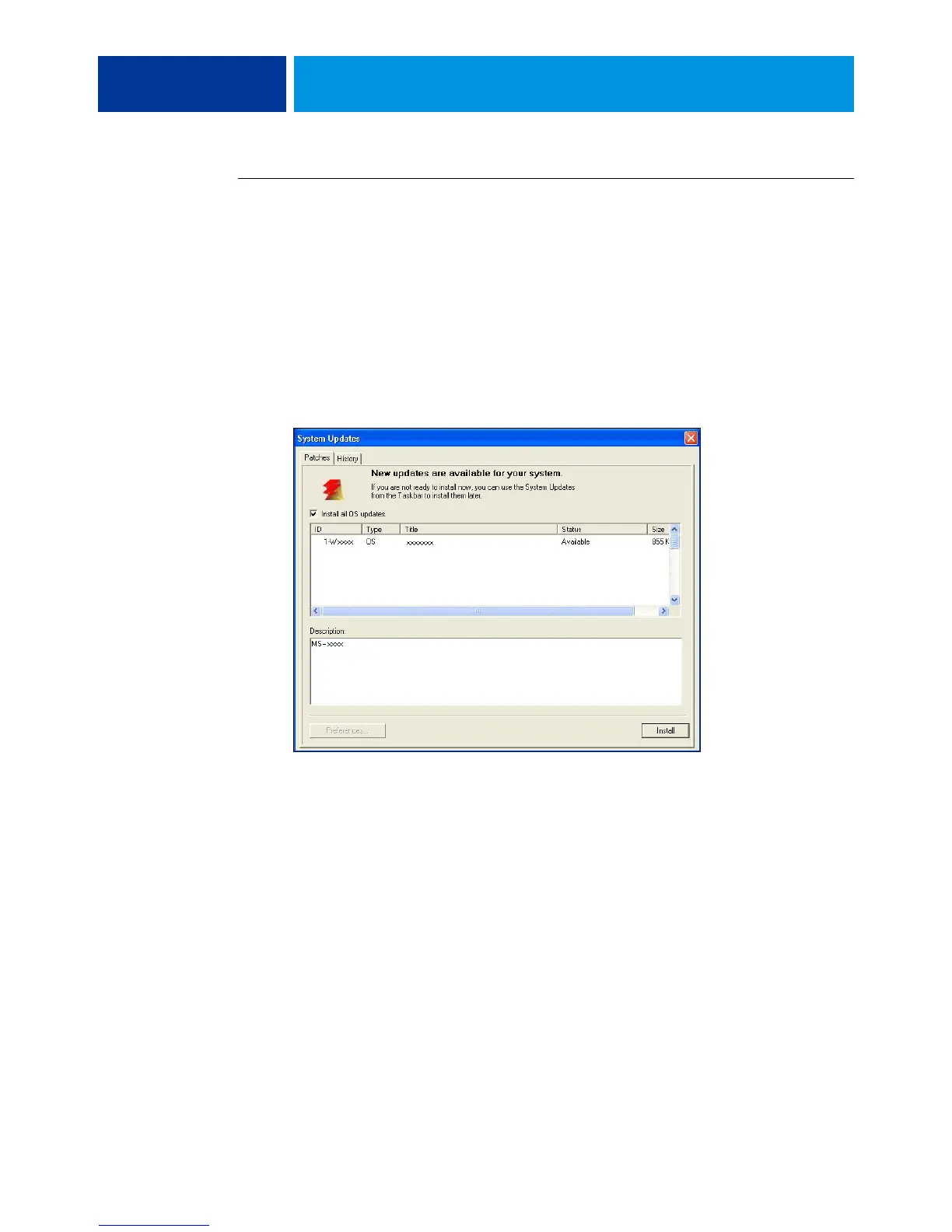
2 Click Check Now at the bottom of the screen, and then do any of the following:
• To view a description of an update, select it in the list.
• To install the update, click Install.
• To view updates that have already been installed, click the History tab.
• To close the window without installing an update, click the X in the upper-right corner.



 To Next Page