AutoCal V3 User Guide
support@efilive.com - 26 - www.efilive.com
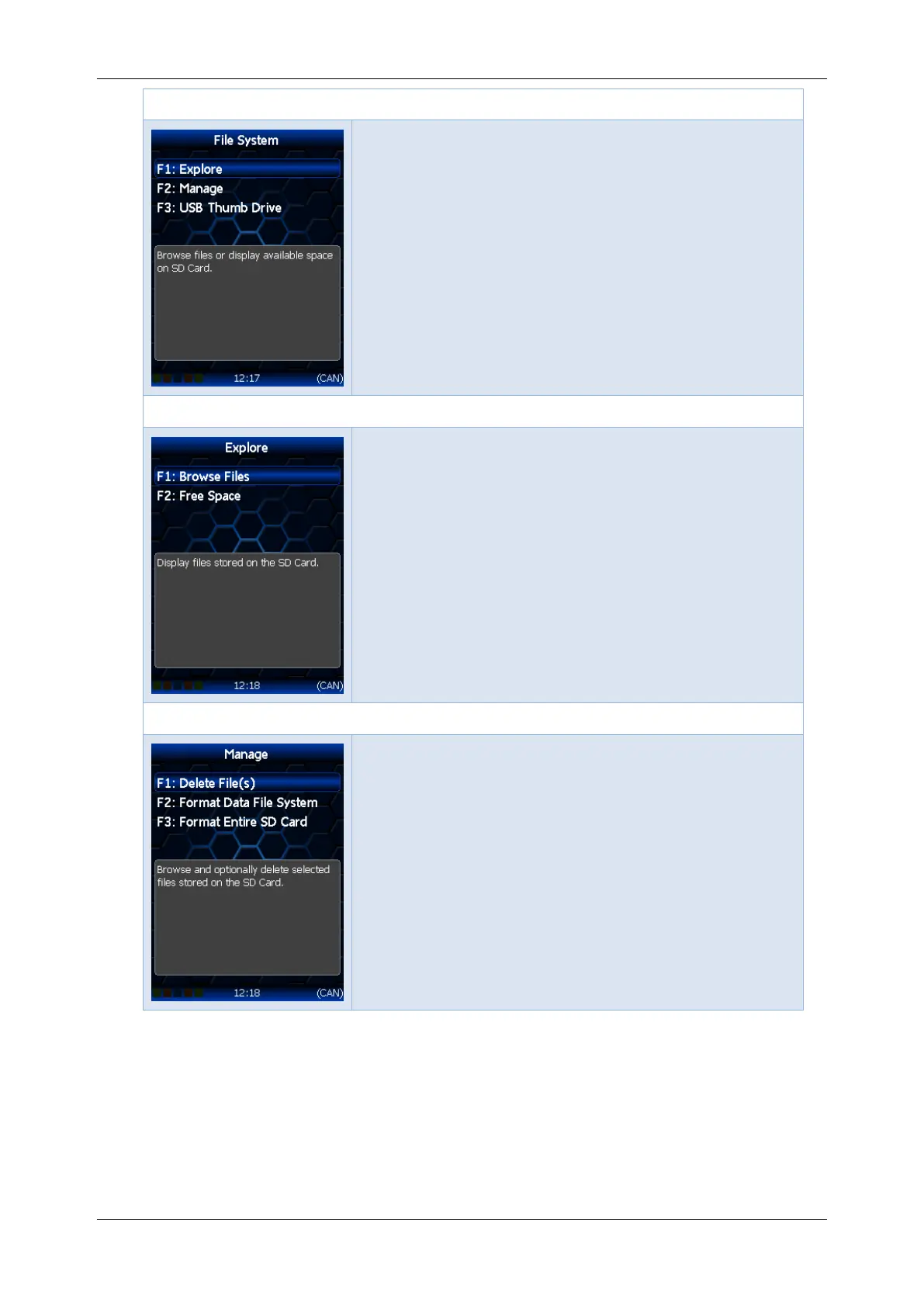
Options -> [F2: File System] menu
F1: Explore; Opens the Browse File and Free
Space menu.
F2: Manage; Manage file system resources.
F3: USB Thumb Drive; Connect this device as a
USB drive for use with Windows Explorer.
Options -> [F2: File System] -> [F1: Explore] menu
F1: Browse Files; Display files stored on the SD
Card.
F2: Free Space; Display free space remaining on
the SD Card.
Options -> [F2: File System] -> [F2: Manage] menu
F1: Delete File(s); Display and optionally delete
files stored on the SD Card.
F2: Format Data File System; Display and
optionally delete files stored on the SD Card. All
scan and tune data files will be deleted. This
option cannot be undone.
F3: Format Entire SD Card; Format the data file
system. ALL FILES including configuration files
and scan and tune files WILL BE ERASED.



 To Next Page