Function
Setting
Range
Description
Sound
Selection
(PbyP)
Left
Right
Select the source of audio to output from the monitor during PbyP display.
• “Left”
Outputs the audio source from the left screen.
• “Right”
Outputs the audio source from the right screen.
Monitor Reset - Restore all settings to their default values except for the following settings.
• PbyP Picture Setup
• Settings on the “Administrator Settings” menu
●
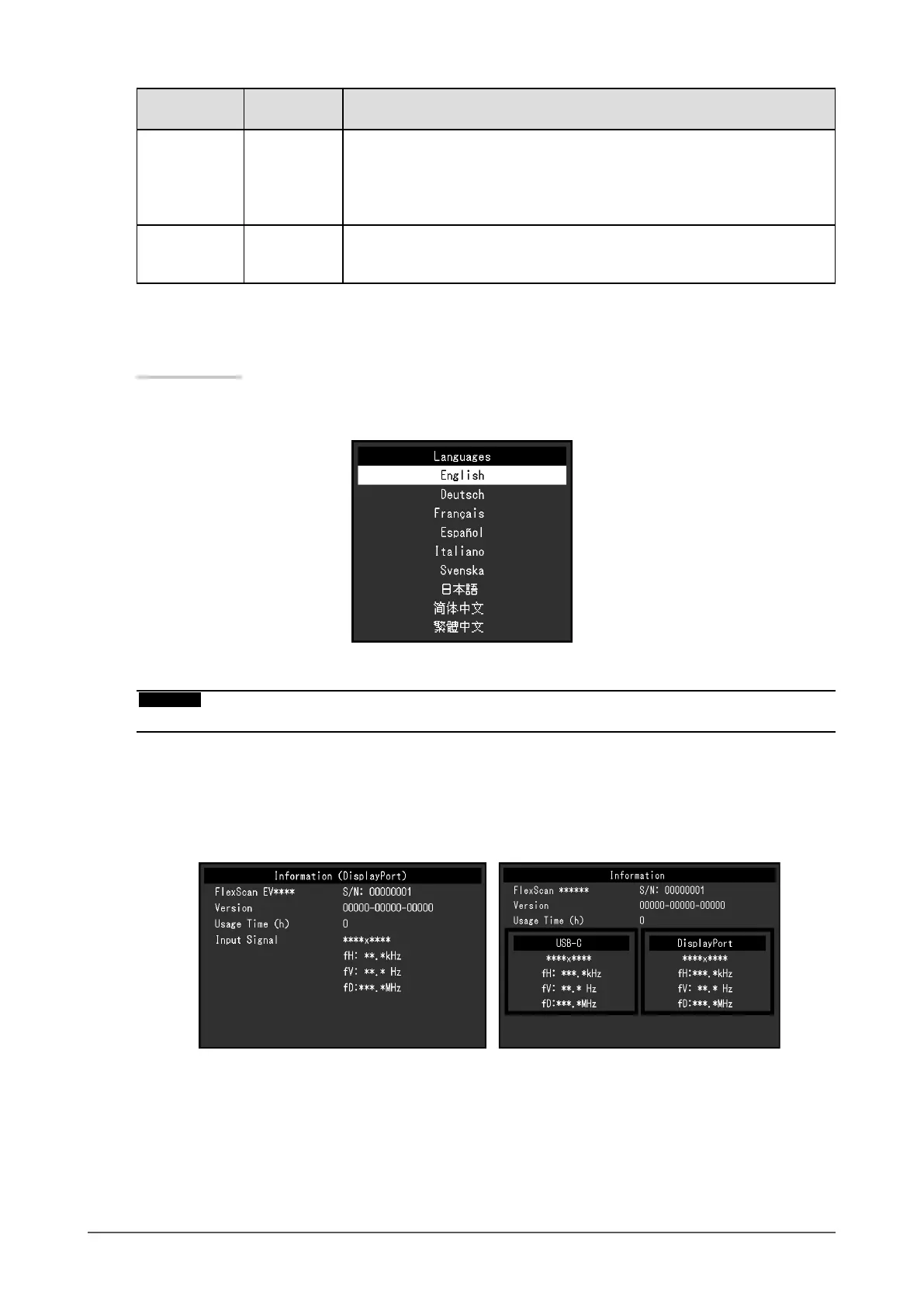
Language
The display language for menus and messages can be selected.
Setting Range
English, Deutsch, Français, Español, Italiano, Svenska, Japanese, Simplied Chinese, Traditional
Chinese
Attention
• The display language of the “Administrator Settings” menu cannot be changed.
●
Information
Monitor information (product name, serial number, usage time, resolution, and input signal) can be
checked.
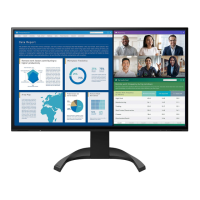
Example: • Single screen display • PbyP display
24
Chapter 3 Advanced Adjustment / Setting







 To Next Page