28
Chapter3SettingMonitor
Chapter 3 Setting Monitor
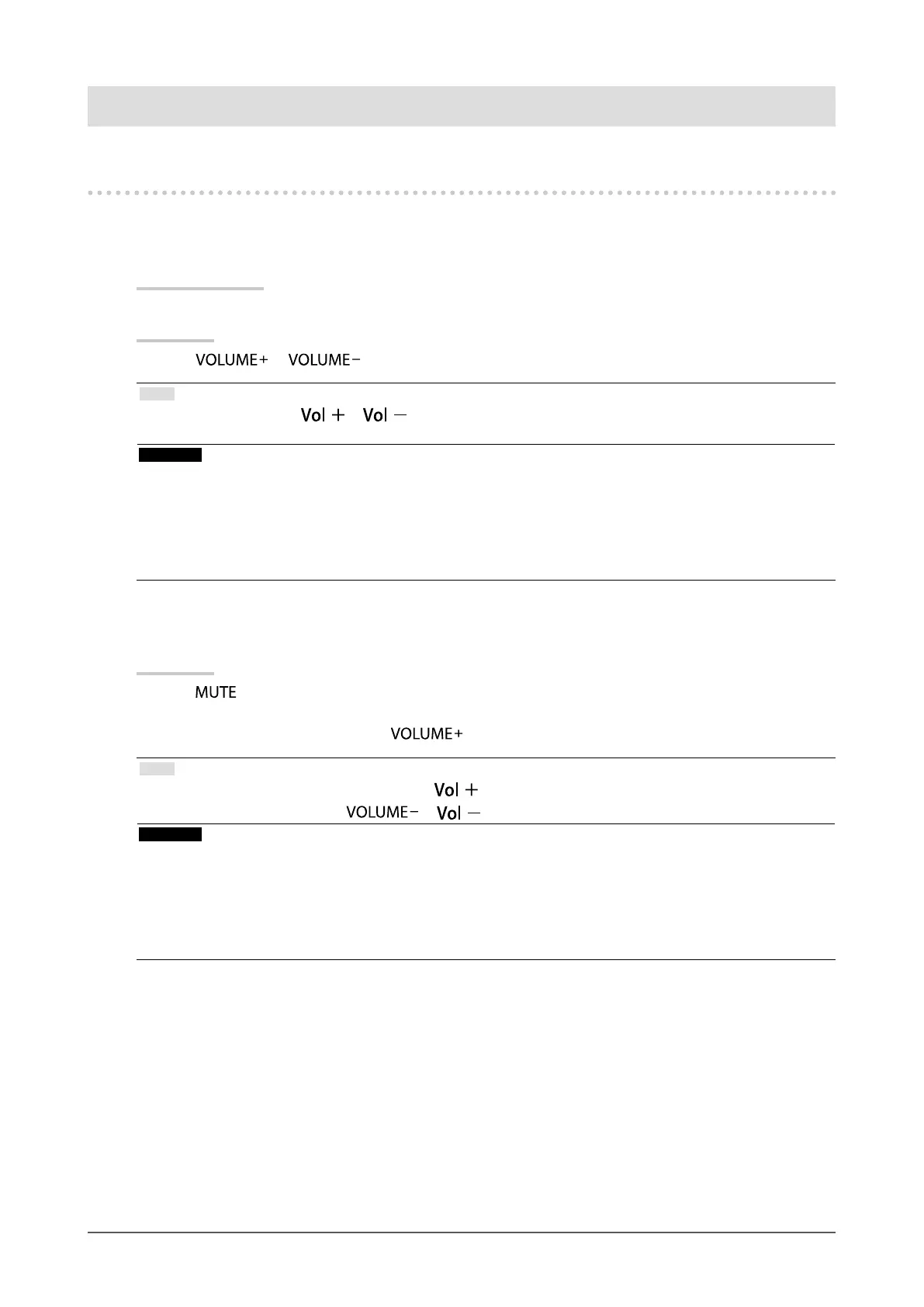
3-1. Adjusting Volume
●
To turn the volume up/down
This function allows you to adjust the volume.
Adjustable range
0 to 30
Procedure
1. Press
or on the remote control.
Note
• Alternatively, you can use or on the monitor for adjustment (see “1-2. Controls and Functions” (page 8)).
• The volume setting is common for the HDMI input and stereo mini jack.
Attention
• If a speaker with built-in amplier is attached to the line output connector, adjust the volume on the external speaker.
You cannot adjust the volume using the remote control or control buttons on the monitor.
• When you try to adjust the volume with all the conditions below, “This operation is not available on current status.” is
displayed.
- The headphones are not connected.
- A speaker with built-in amplier is attached to the line output connector.
●
To mute the sound temporarily
Procedure
1. Press
on the remote control.
Mute sound temporarily.
By pressing the button again or pressing
, the sound comes back.
Note
• The mute setting can also be released by pressing on the monitor.
•
While the monitor is muted, press
or on the monitor to decrease the volume setting.
Attention
• If a speaker with built-in amplier is attached to the line output connector, adjust the volume on the external speaker.
You cannot adjust the volume using the remote control of the monitor.
• When you try to mute the speaker with all the conditions below, “This operation is not available on current status” is
displayed.
- The headphones are not connected.
- A speaker with built-in amplier is attached to the line output connector.











 To Next Page