44
Chapter7Troubleshooting
7-4. Imaging problems (for analog only)
Problem Possible cause and remedy
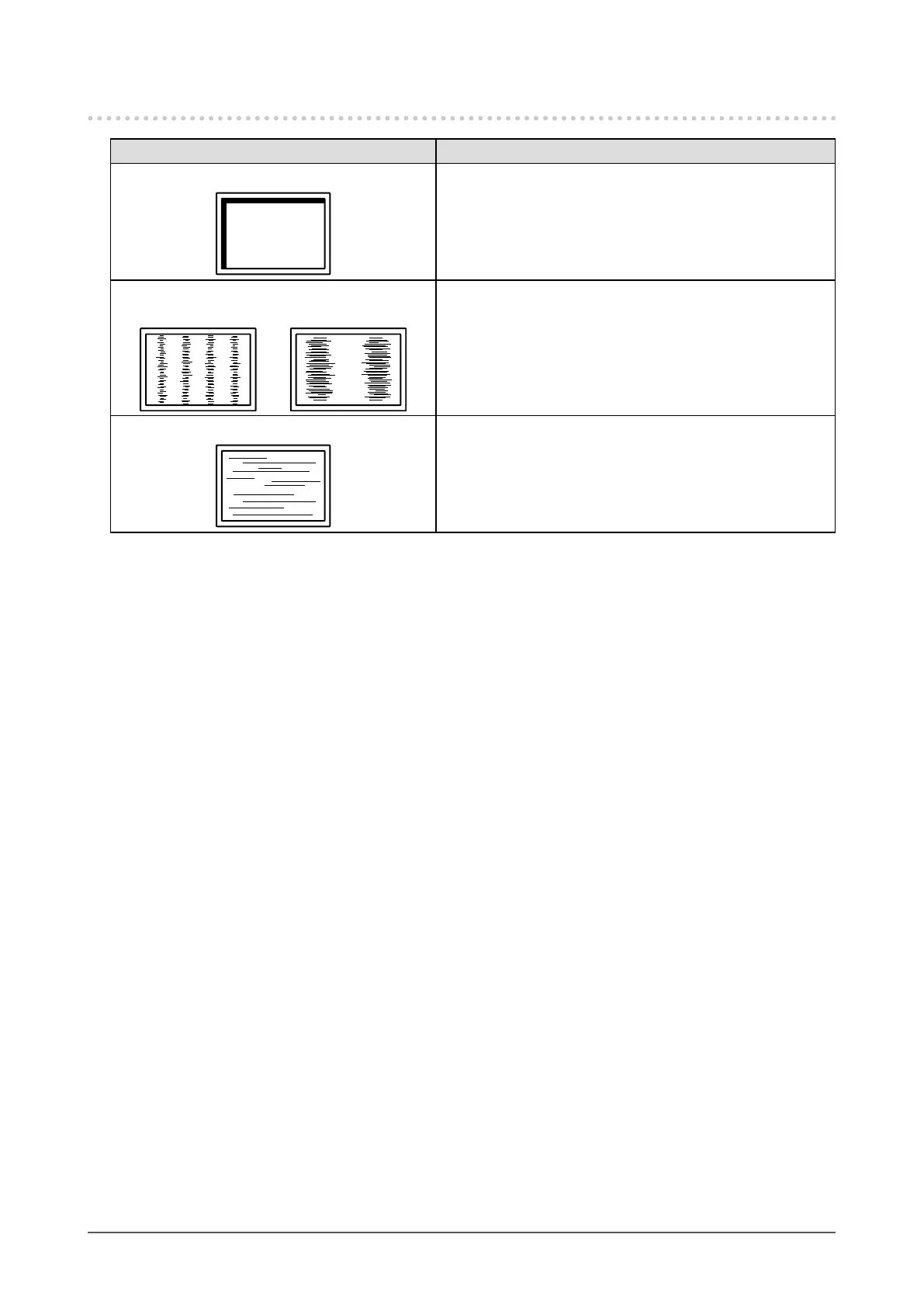
1. Display position is incorrect. • Use“Position”intheSettingmenutocorrecttheimage
position(see“Tocorrectthescreenposition”(page24)).
• Iftheproblempersists,usethegraphicsboard’sutilityif
availabletochangethedisplayposition.
2. Vertical bars appear on the screen or a
part of the image is ickering.
• Use“Clock”intheSettingmenutoadjustit(see“To
eliminateverticalbars”(page23)).
3. Whole screen is ickering or blurring.
• Use“Phase”intheSettingmenutoadjustit(see“To
removeickeringorblurring”(page24)).










 To Next Page