17
Fig.27 Fig.28 Fig.29
3.14 Cooling
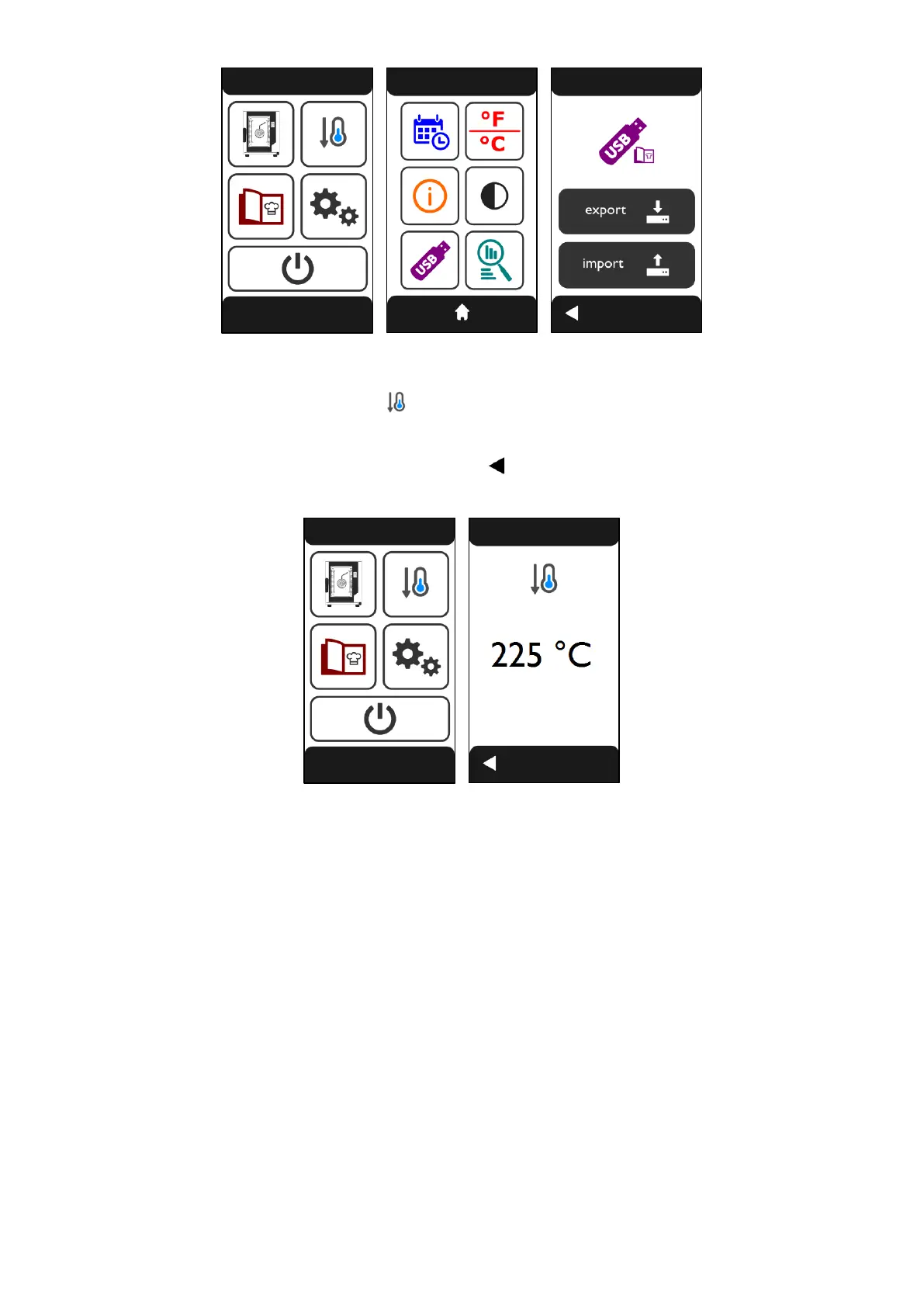
To activate the function, touch the symbol on the “HOME” screen (Fig.30). The “COOLING” screen
(Fig.31) appears, which displays the real-time temperature inside the cooking chamber. Open the oven
door to activate the function.
The function can be deactivated by touching the symbol otherwise, it is automatically deactivated when
the temperature inside the cooking chamber falls to 40°C.
Fig.30 Fig.31
Warning
When operating with the door open, do not remove the fan cover casing; do not touch the moving fans
and the heating elements that are still hot.












 To Next Page