19
3.15.2 Units of measurement
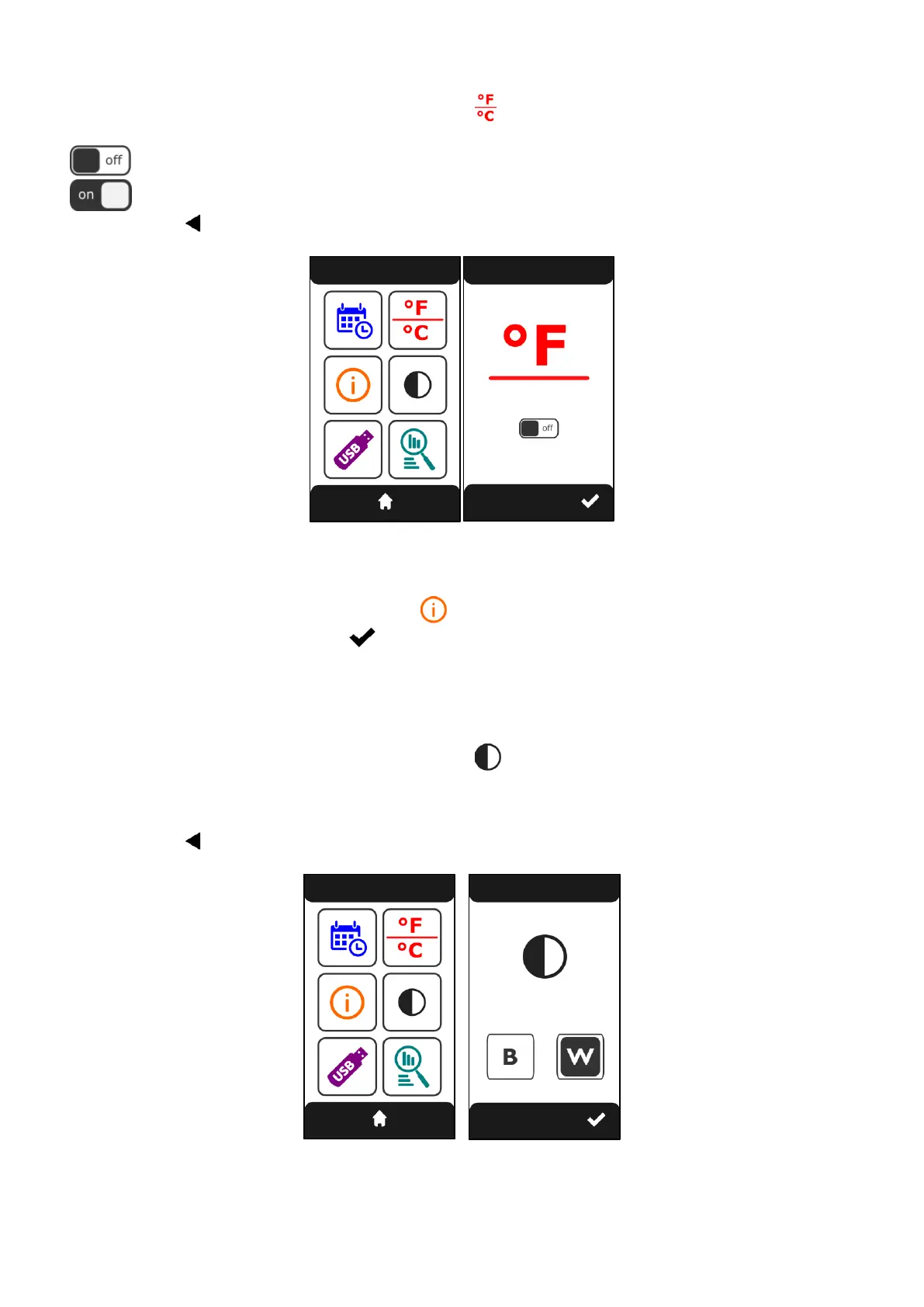
From the “SETTINGS” screen (Fig.36) touch the symbol . The “MEASUREMENT UNIT” screen (Fig.37)
appears. Touching the “switch” changes the temperature measurement unit:
Celsius (°C)
Fahrenheit (°F)
Tap the symbol to confirm and return to the previous screen.
Fig.34 Fig.35
3.15.3 Information menu
From the “SETTINGS” screen, touch the symbol . The “INFO MENU” screen appears. Type in the
password “
1234”
. Touch the symbol to confirm. The screen containing the information of the FW
version of the display, FW version of the power board and the calibration set appears. After 10” the
“SETTINGS” screen appears again.
3.15.4 Screen theme
From the “SETTINGS” screen (Fig.36) touch the symbol . The “THEME” screen appears (Fig.37) from
where it is possible to select the theme of the screens:
B black screens (dark theme)
W white screens (light theme)
Tap the symbol to confirm and return to the previous screen.
Fig.36 Fig.37












 To Next Page