On-board troubleshooting
13
the module from the rack, replace it with a spare one and send the defective module to
maintenance.
The following sections give you hints on analysing error situations and finding out
whether the problem is with the module or with the bus. The sections are arranged by
symptoms, in other words, by the problems you observe when checking the module or
browsing the Coach Computer.
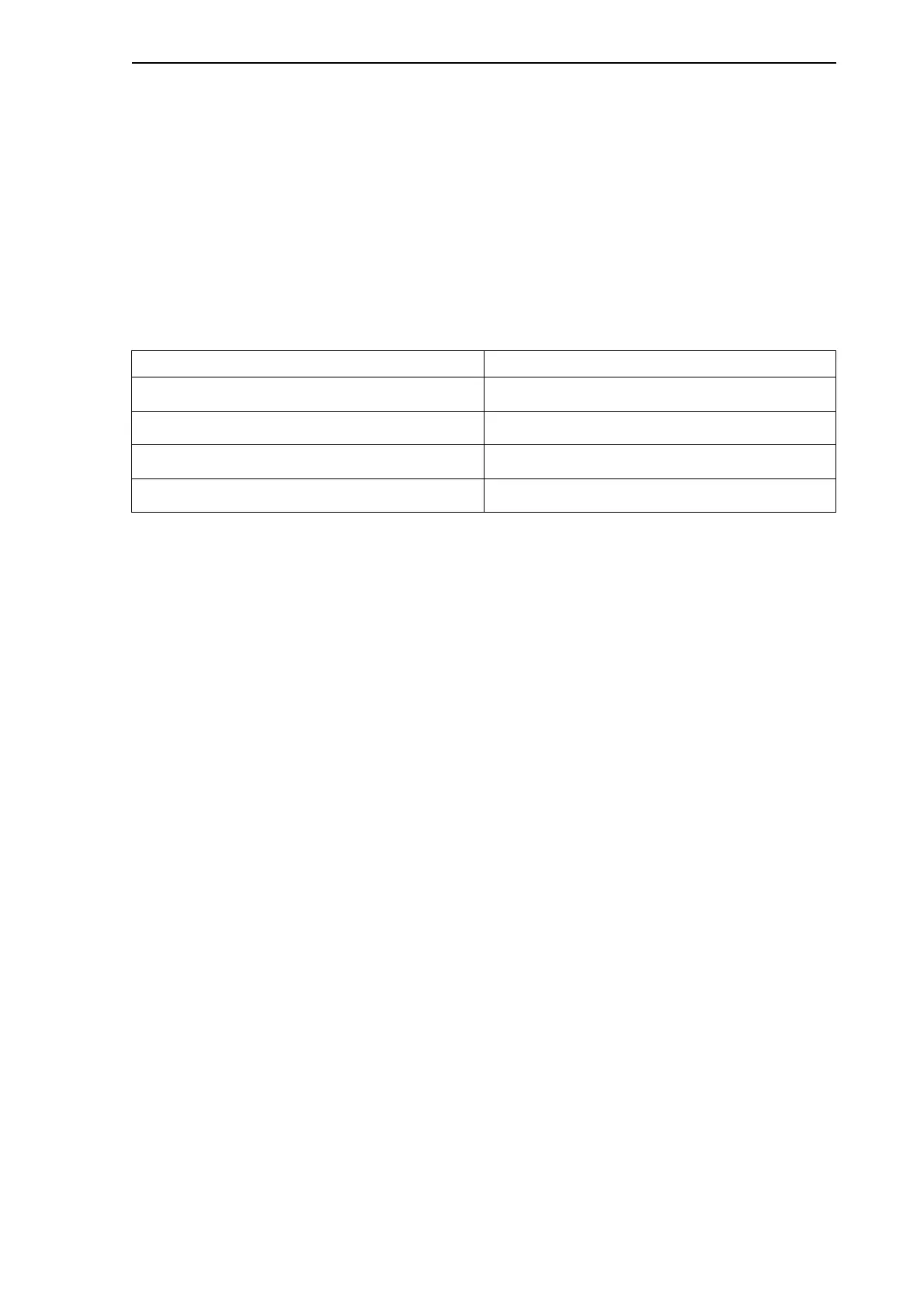
The following table lists symptoms that are covered in this chapter.
Table 4.1: Symptoms for potential problems with the MVB module and the Multifunction
Vehicle Bus
4.3.1 Yellow LED blinking or on
If the yellow UE LED of the MVB module is blinking, there are sporadic transmission
errors in the Multifunction Vehicle Bus or the MVB has not received its configuration
from the Gateway CPU. If the yellow LED remains constantly on, there is a continuous
problem with one or more of the lines. You need to rule out the following causes for the
error situation:
Missing configuration
Defective module
Wrong connection or a loop connection or missing termination
Missing or defective device
Physical defect in connectors
Low signal level or missing signal
Defective termination
The following sections provide you with tips and instructions for solving these error
situations.
Missing configuration
This situation is most likely to occur if the system has been reset for some reason, and
the MVB has not re-received its configuration from the Gateway CPU. In this case, the
green ST LED is on, and the yellow UE LED is blinking. You should try resetting the
Coach Computer again. If the situation does not alter, there may be a fault with the
Gateway CPU or with the VME backplane.
Symptom To find out potential causes, see page
Yellow LED blinking or on 13
Red LED on 19
Red LED blinking 19
No LEDs on or LEDs glowing very faintly 20



 To Next Page