Overview of the MVB module
4
2.2 Module identification
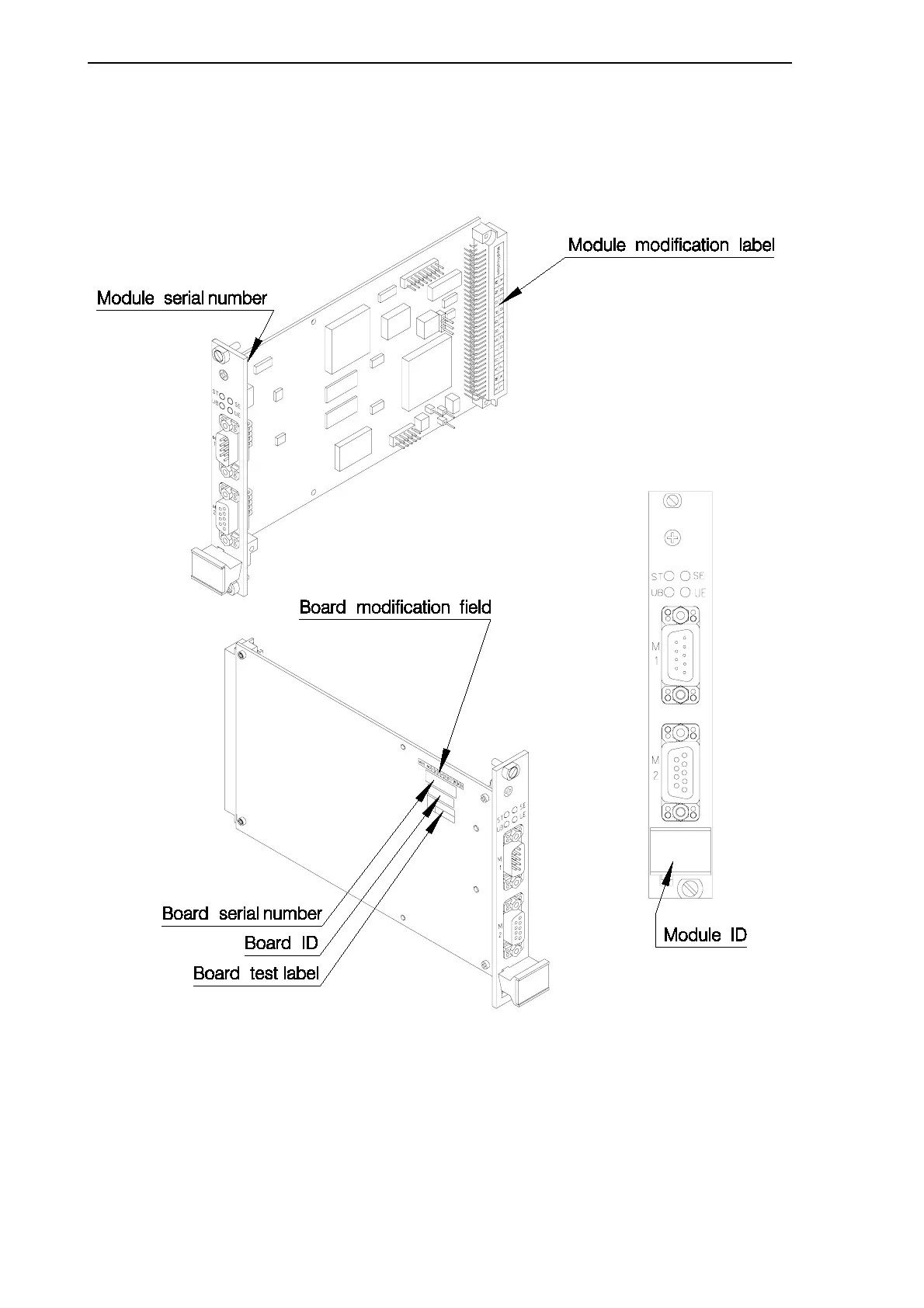
Version and modification information appears on the board. The following pictures
show you where to find this information.
Figure 2.1: Location of version and modification information
The modification label shows the module modification. It is located above the back
connector of the module. The label includes letters, and the modification is indicated by
crossing out one. If nothing is crossed out, the modification is 00. If the letter A is
crossed out, the modification is A, and so on. This label gives the modification level of
the entire module, and the circuit board may have a different modification level,
indicated by numbers printed on the board’s modification field.



 To Next Page