Troubleshooting with software
25
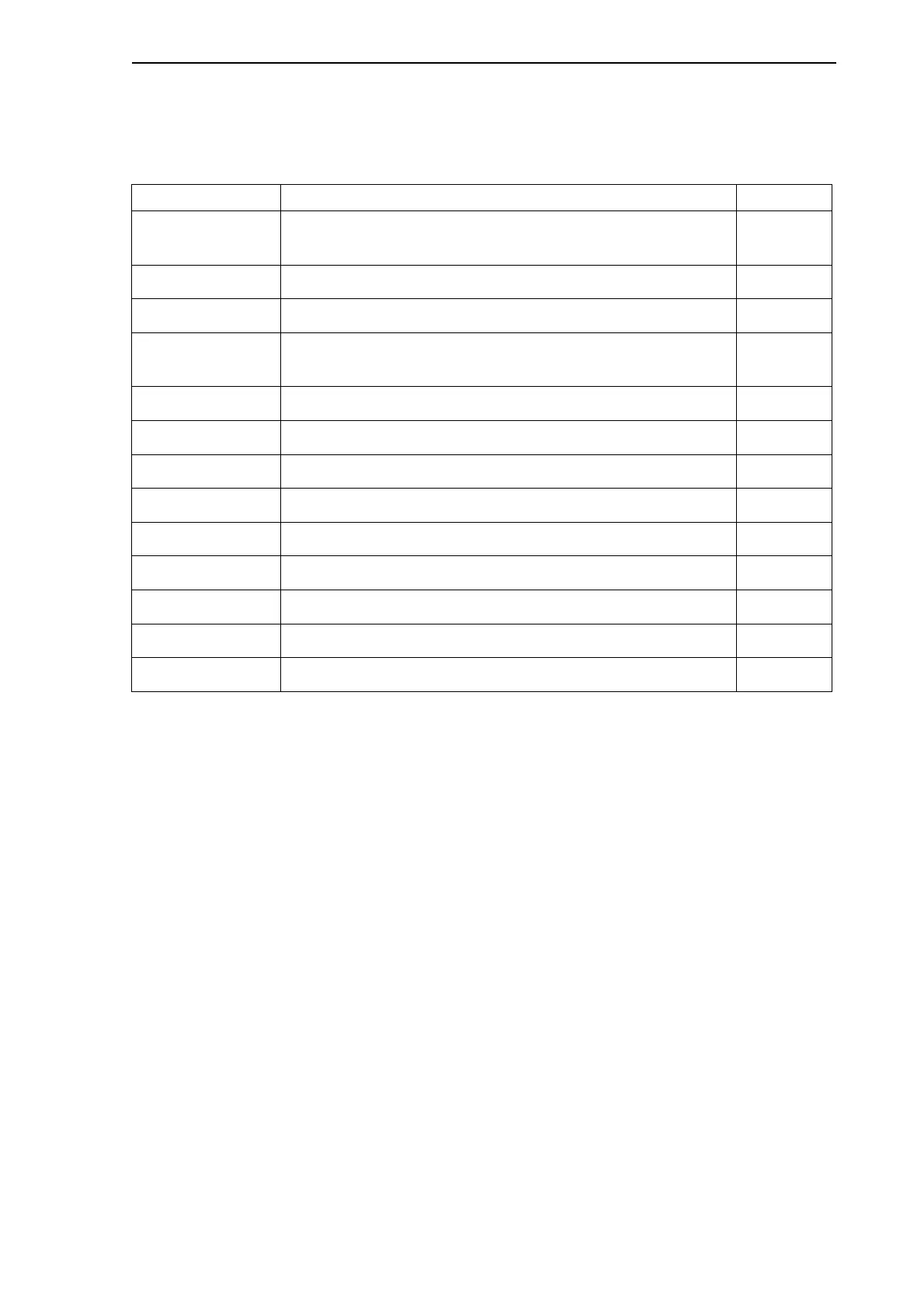
The following table lists the commands that alter or stop the operation of the
Multifunction Vehicle Bus.
Table 5.2: Commands that alter or stop the operation of the Multifunction Vehicle Bus
5.4.4 Structure of command sections
The commands are divided into three groups:
Debugging commands
Memory commands
Software development commands
In the following sections, each heading shows a command you can enter in the dbg>
prompt. Some of these commands have parameters that you may enter after the
command. In the following instructions, possible parameters are separated by a vertical
line. If the parameters are enclosed in square brackets, this means that you can give
the command without a parameter. For instance, the ADDR command has two optional
parameters, a and l. This is marked as follows:
addr [a|l]
If you do not enter any parameter after the command, the system uses the default value
for the applicable commands.
Command Functionality Page
CHECK_LINE Sends a burst of test messages to the bus. This disturbs
the bus operation.
27
CS Creates a preconfigured slave. 44
CTRL Executes a control command. 27
MSGR Reads messages from the receive queue and removes
them when read.
33
MSGS Sends test messages to a destination device. 34
MVB_MODE Sets the access mode to Normal or Debug. 44
OUT Changes data in the internal registers of the MVB module. 35
QUIT Stops transmitting data. 35
REC Reconfigures the MVB-Asic. 36
RESET Resets the MVB module. 47
SM Changes data in the MVB module memory. 41
SP Changes data in the MVB module traffic memory. 41
START Starts transmitting data. 36



 To Next Page