24
25
23
24
22
1C
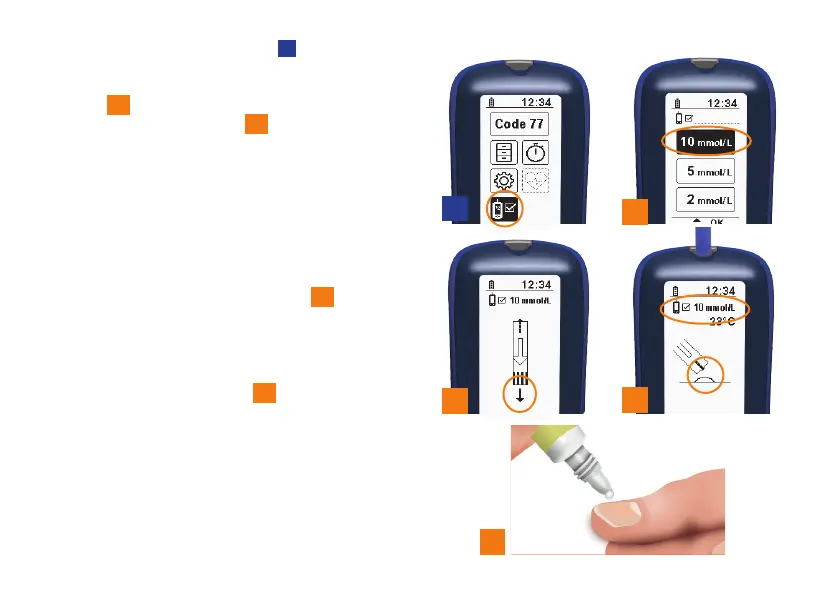
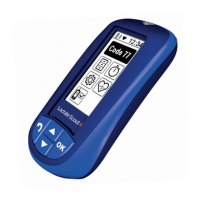
Select the “Functionality test”
1C
sub-menu in
configuration and display mode.
Then select the concentration of your test
solution
22
. The measuring device will then
ask you to insert a sensor
23
. For testing
purposes, the target value will be displayed
with the measurement unit (mmol/L) in the
symbol line.
The configured code will be displayed briefly
after you have inserted the sensor. This code
must also match the code printed on the
sensor container for the functionality test as
well. The measuring device will then ask you
tofill the sensor with test solution
24
. Open
the test solution bottle.
Wipe the opening to make sure it is clean.
Press out a droplet onto a clean non-
absorbent surface. You can use your
thumbnail for this purpose
25
.
Discard the first droplet.


 To Next Page