23
6.4 SETTING THE USER LIST FOR STATISTICAL VALUES
• To create a user list press >>>> >>>> . The display will show CLS to indicate 'Clear
Statistics?'
• Press to enter the menu for setting the user list of statistical values. The gauge displays the
symbol of the first Statistics item on the statistics menu with its numerical position in the user list shown
in the top left of the display. If the numeric display is blank then the statistic is not selected in the
current user list. (To exit from the setting menu and retain the current user list press . This returns
the gauge to normal measurement mode.)
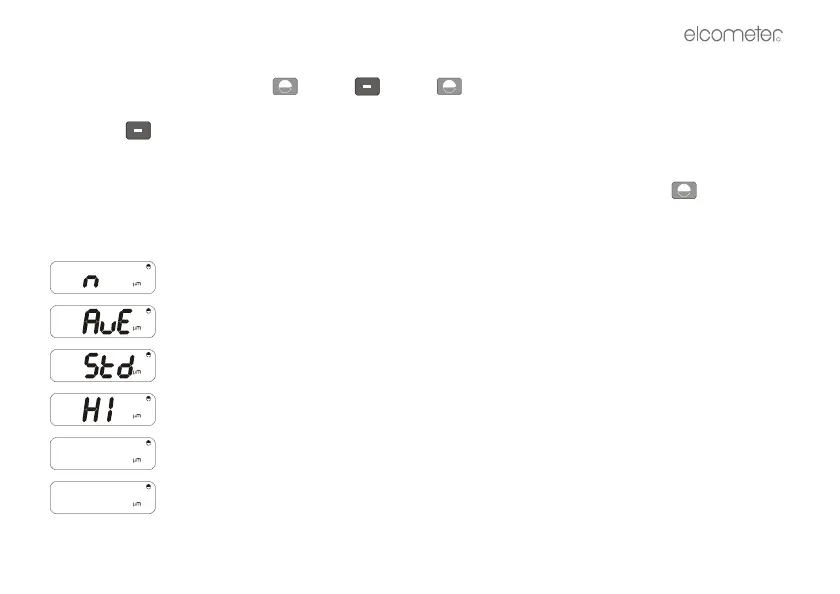
DISPLAY SYMBOLS
= Number of readings
= Average (Mean)
= Standard Deviation
= Highest reading
= Lowest reading
= Turn statistics off



 To Next Page