24
• To enter the statistical value displayed at the next available position on the list press . If this is the
first entry then the current user list is deleted and replaced with a new user list and it appears in the
top left of the display. This action also serves to switch the statistics feature on.
• To view the next statistical value on the user list press . Repeat presses of will scroll round
the menu. Press to add the statistic value to the list. Press to exit menu or exit automatically
when all 5 items have been entered.
Selecting OFF and pressing will switch the statistics feature off.
6.5 EXAMPLE OF STATISTICAL USER LIST
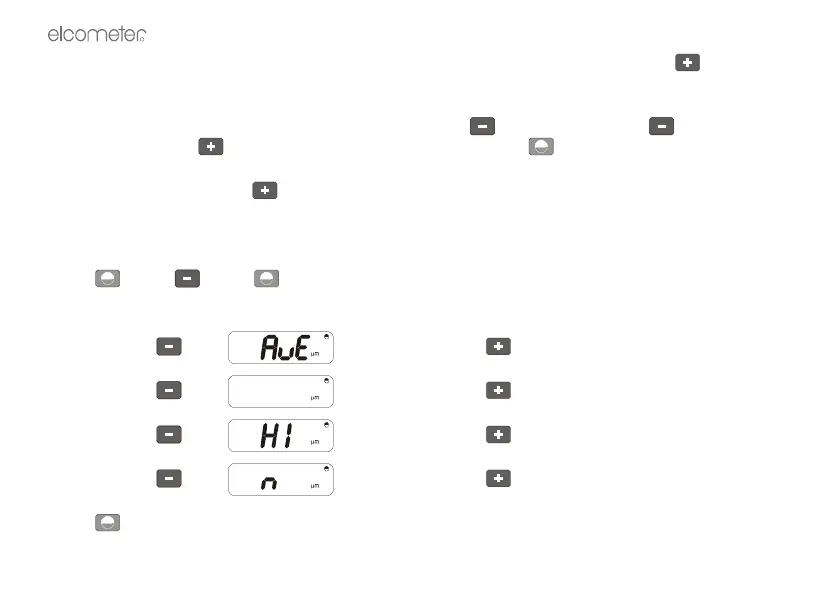
To set statistics for Average, Lowest, Highest and Number of readings, in that order:
Press >>>> >>>>
Display will show CLS.
Keep pressing until is displayed, press to accept
Keep pressing until is displayed, press to accept
Keep pressing until is displayed, press to accept
Keep pressing until is displayed, press to accept
Press . The statistics are now set in this order.



 To Next Page