Ÿ Measurement Data Window (continued)
Ÿ Notes
Type and format a comment or note regarding the batch.
Ÿ Labels
When a project has been set up with individual Project and
Batch labels users can amend or input the appropriate
details. Project labels are applied to each file, folder and
batch within the project; Batch labels apply to a specific
batch. Both project and batch labels are fully user definable,
however examples of project and batch labels are listed
below:
Project Label Examples:
Client name, Structure name, Structure location,
Batch Label Examples:
Inspector name, shift number, area under
consideration, strutt number, etc.
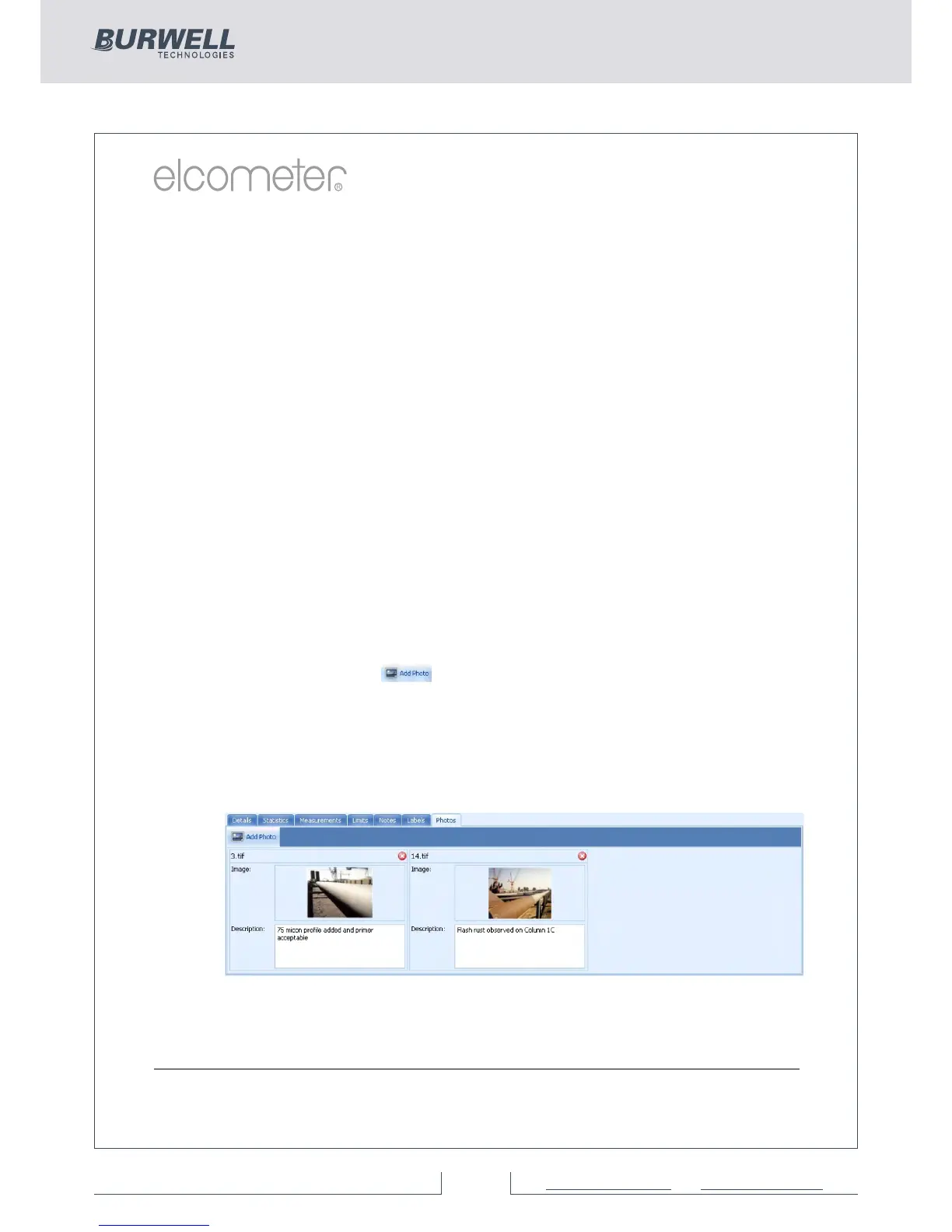
Ÿ Photos
Photographs of the area under inspection, specific defects,
etc can be attached to the measurement batch - simply by
clicking the ( ) icon within the Photos tab.
Descriptions or comments can be added below each image
added.
Double clicking on any photo opens up a view window
allowing the user to copy the photo to clipboard (for pasting in
another program, or save the photograph to another file.
Data, photographs, labels etc. added within the measurement
window tabs is automatically included on any reports, exports, pdf
and emails generated.



 To Next Page