To calibrate the Elcometer 456 Model E on rough surfaces:
Ÿ Select two foil values - one above the target dry film thickness value
(thick) and one below (thin)
Ÿ Follow the on screen instructions
Ÿ more than one reading can be taken on each foil value - the average
of the readings is displayed (screens c and g on page 60).
Ÿ To calibrate the Elcometer 456 Model E on smooth surfaces:
Ÿ Select a foil value which is above the target dry film thickness value
(thick) and the uncoated base substrate (thin).
Ÿ When the gauge instructs the user to place the gauge onto the thin foil
(calibration step 2), place the probe on the uncoated base and adjust
the thickness value to 0.0µm (mils)
To calibrate the Elcometer 456 Model E using the Factory calibration:
Ÿ Select either Menu/Reset/Metric Gauge or Menu/Reset/Imperial
Gauge.
Taking multiple readings on each foil will increase the accuracy of the
calibration.
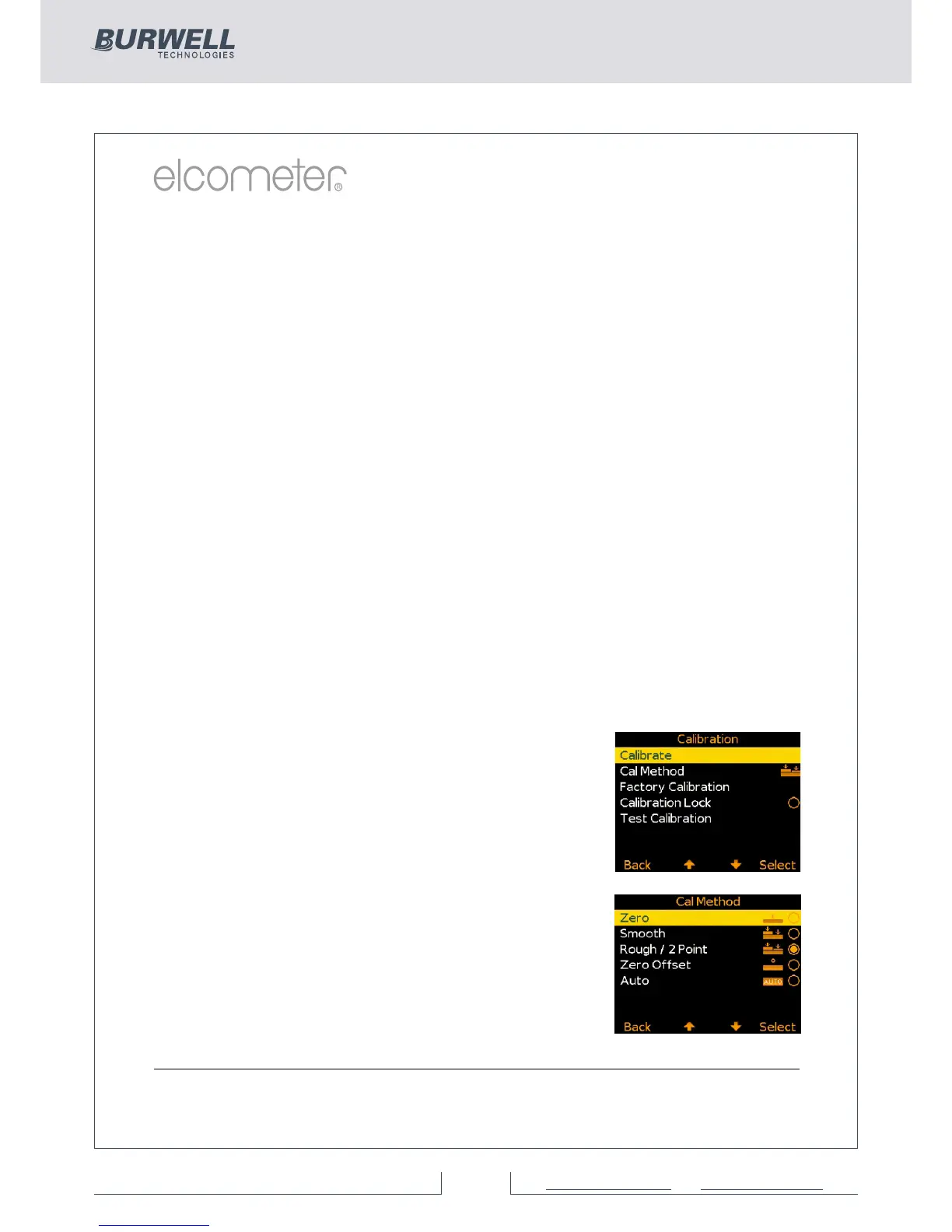
Calibrating the Elcometer 456 (BST)
Ÿ Press the Cal softkey to open the Calibration
menu
Ÿ As the Elcometer 456 Model B, S and T have
multiple calibration methods;
Ÿ if the Calibration Method icon displayed is
as required, press the Select softkey and
follow the on screen instructions
Ÿ the user can amend the calibration method,
by selecting the appropriate method from
within the Cal/Cal Method menu and press
the Select softkey before selecting
Calibrate from the Calibration menu



 To Next Page