Calibration lock (BST)
To avoid accidental amendments to the calibration settings switching
on the Cal/Calibration Lock feature’ locks’ the user from undertaking
any changes to the calibration without first un-checking the
Cal/Calibration Lock feature.
When the Calibration Lock is enabled, users can still test the
calibration via Cal/Test Calibration but will be unable to validate or
re-calibrate the gauge.
The calibration can also be locked using a PIN Code.
Locking & Unlocking the Calibration Lock using a PIN Code (BST)
To unlock the calibration:
Ÿ Press the Cal softkey and select Calibration Lock
é
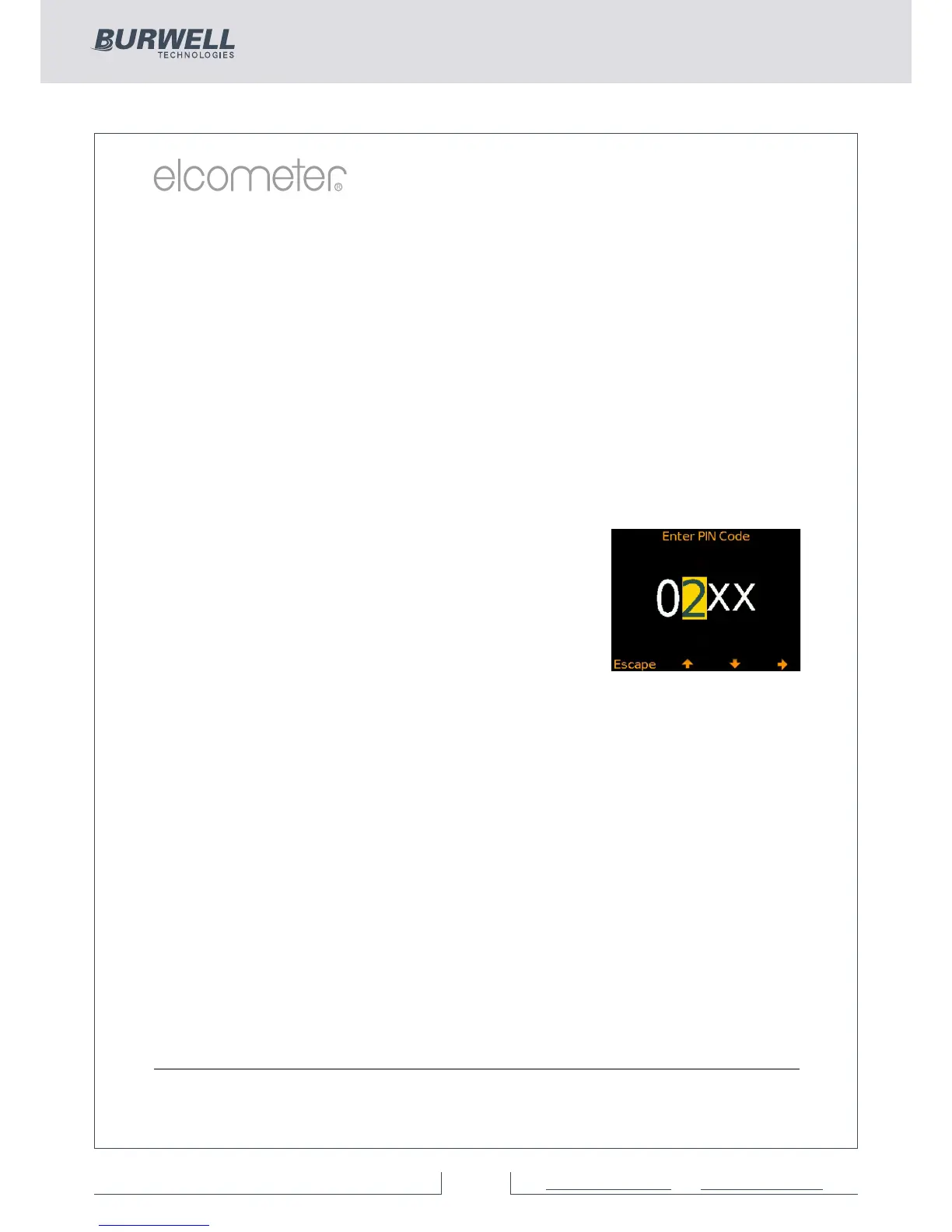
Ÿ Enter the four digit PIN Code, if set, using the softkeys to select
ê
†
0 to 9 and the è softkey to move from the first to the fourth digit
Ÿ Press Ok or Escape to cancel
To disable the calibration lock PIN Code:
Ÿ Press the Menu softkey and select Setup/Calibration Lock
Ÿ Enter the four digit PIN Code
4 Should the user forget or loose the PIN code, the PIN can be
disabled via ElcoMaster™. Using the USB cable, simply connect the
gauge to a PC with ElcoMaster™ Version 2.0.34 or higher installed
and select Edit/Clear Calibration PIN.
†
The è softkey will appear when the “ X “ changes to a number.
To set a calibration lock PIN code:
Ÿ Press the Menu softkey and select
Setup/Calibration Lock
é
Ÿ Set the four digit PIN Code using the
ê�
softkeys to select 0 to 9 and the è softkey to
†
move from the first to the fourth digit
Ÿ Press Set, Escape to cancel or Adjust to amend
the PIN code



 To Next Page