19Installation Manual
3.1.3. COMMISSIONING
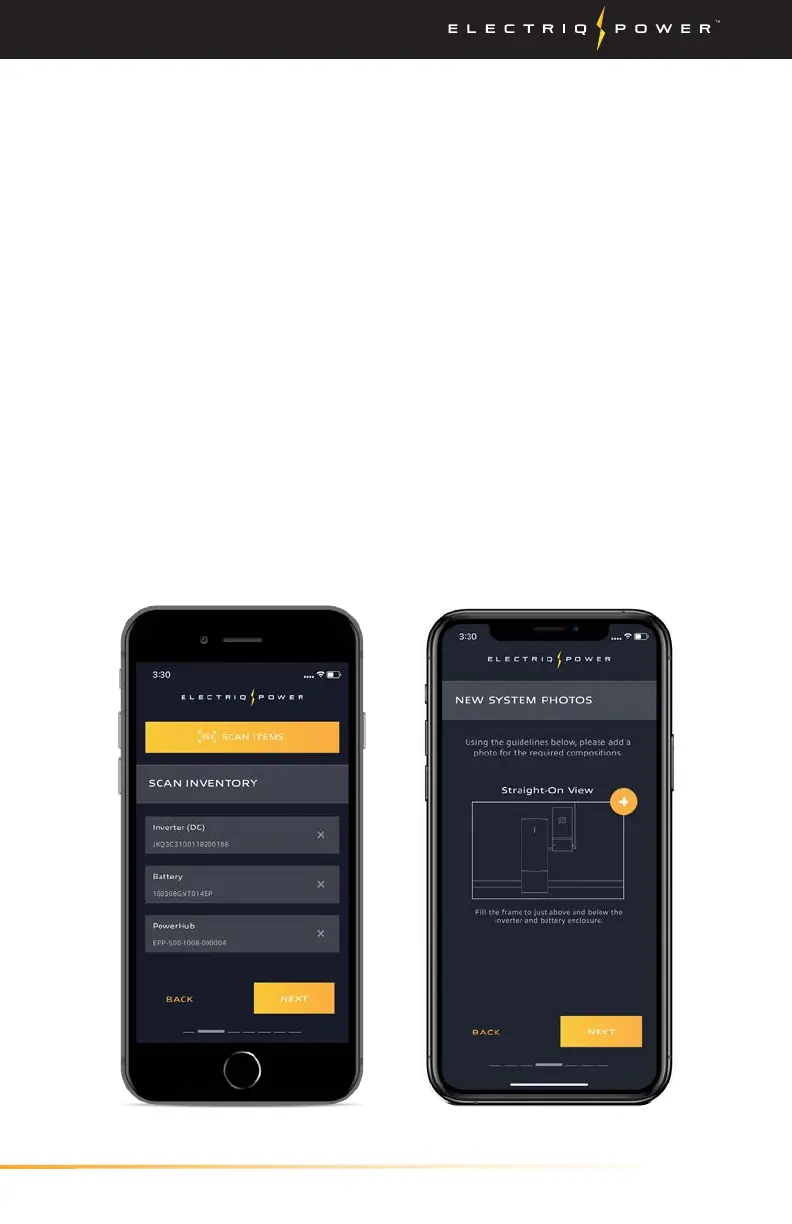
The PowerTools app is used to commission the Electriq Power
PowerPod 2 system. This app cannot be accessed nor will the system
be able to be commissioned if you are not a certified installer. If your
organization is certified and you do not have login credentials, contact
the certified representative of your organization to obtain them. If you
or your organization is not certified and would like to become certified,
visit https://electriqpower.com/installer-training-certification/ and fill
out the form.
1. If the commissioning app, PowerTools, is not already installed, this
can be downloaded via Google's Play Store or Apple's App Store.
If the app is already installed, log in to your account using your
certified installer credentials.
2. Once logged in, click 'Add New System' and click 'Next'.
3. Remove PowerPod 2 system from the box and scan the barcode on
the side of the system.
4. Input the new system address and then click 'Next'.
5. Select whole home or partial-home and click 'Next'.
6. Select the system size (10, 15, 20 kWh) and click 'Next'.
Prerequisites / Commissioning
PowerTools App


 To Next Page