73Installation Manual
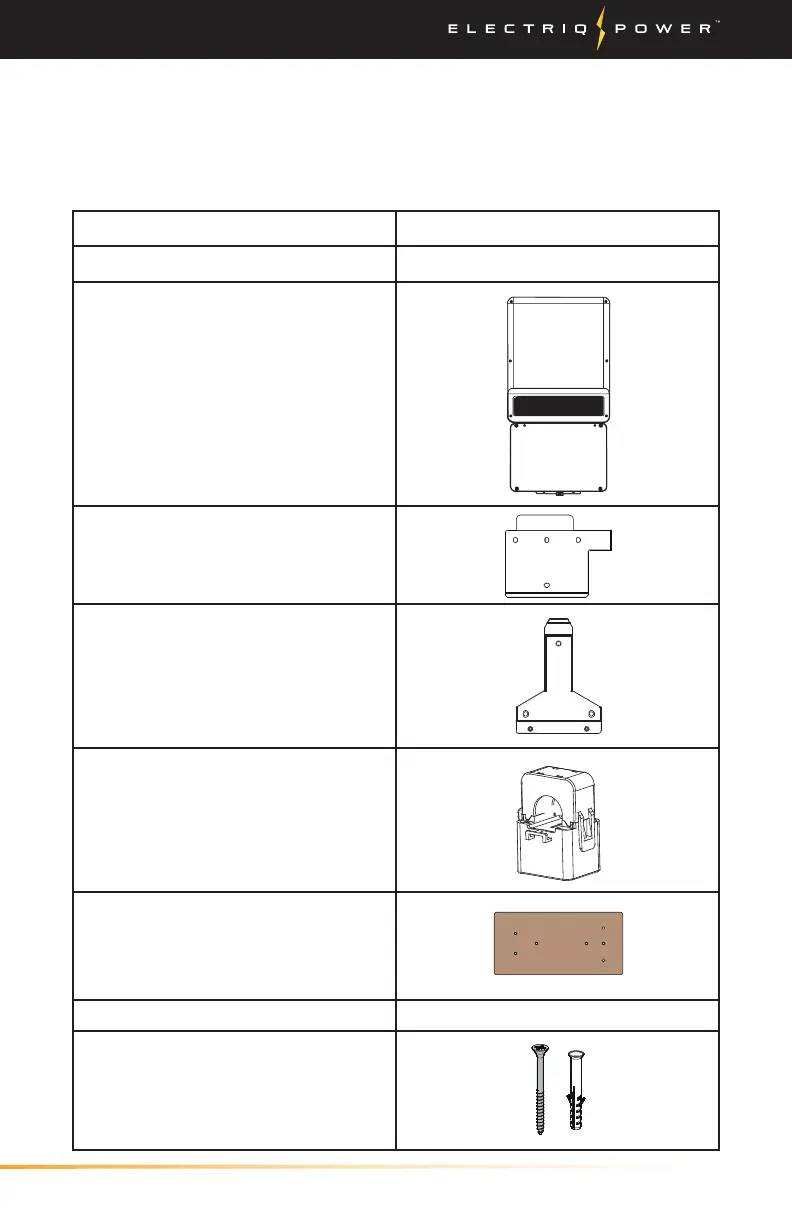
Description PN or Image
Inverter Box
200-1001
Inverter
Upper Wall-Mounting Bracket
Lower Wall-Mounting Bracket
2 - CTs with connecting wire
connected to a 4 pin connector
Mounting Bracket Template
Accessory Bag
7 - Flat Head Screws, 2 3/4” #10
7 - Plastic Anker"
Fasten inverter mounting bracket
to wall.
Appendix / What's in the Box
4.1. WHAT'S IN THE BOX
4. APPENDIX
Before installing the battery enclosures, make sure nothing inside the
package is damaged.


 To Next Page