71Installation Manual
State PowerPod 2
Display
Solutions
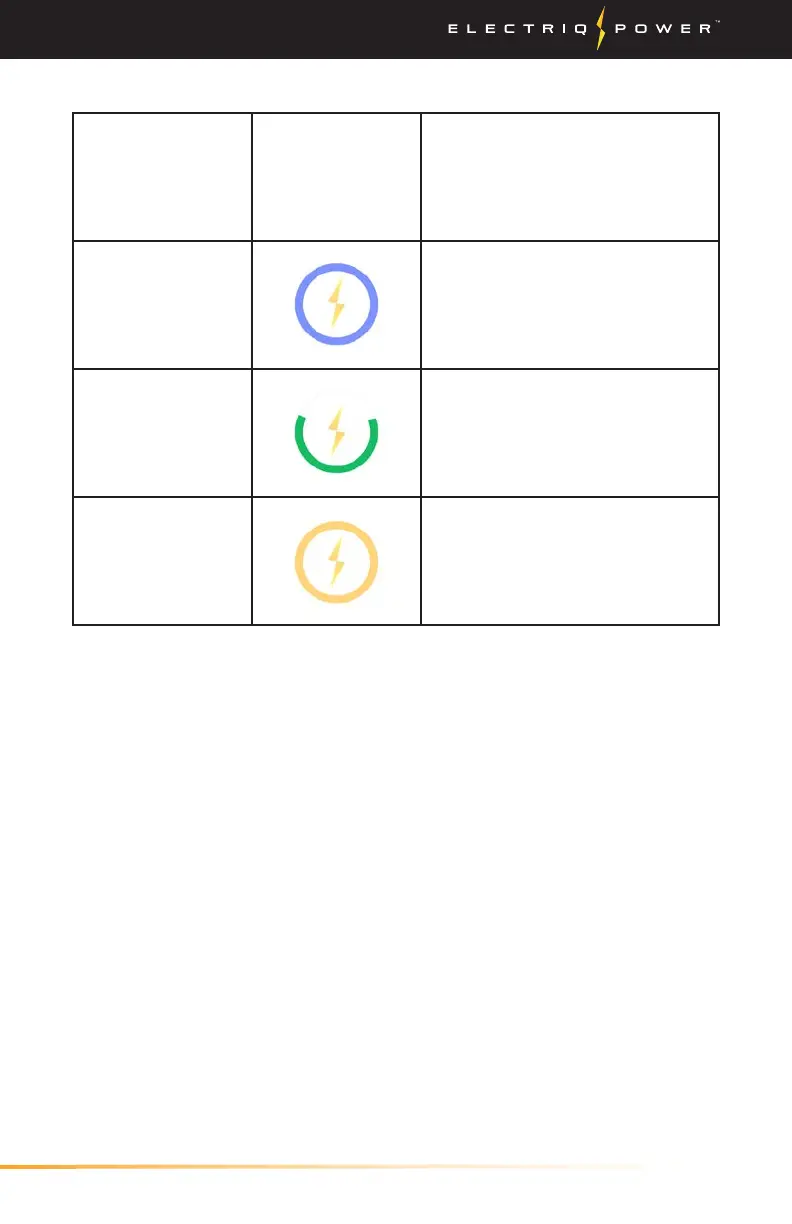
Commissioning A full blue circle indicates
that the system is ready to be
commissioned and that the
system is communicating with
the PowerHub.
Normal The state of charge is
indicated by the amount of
the ring that is filled. The ring
to the left is indicating that the
state of charge is at 75%.
Issue Detected A full yellow circle indicates
that the system has detected
an issue.
Installing System / Finalize Commissioning
PowerPod 2 Display Indicators


 To Next Page