35Instructions for use
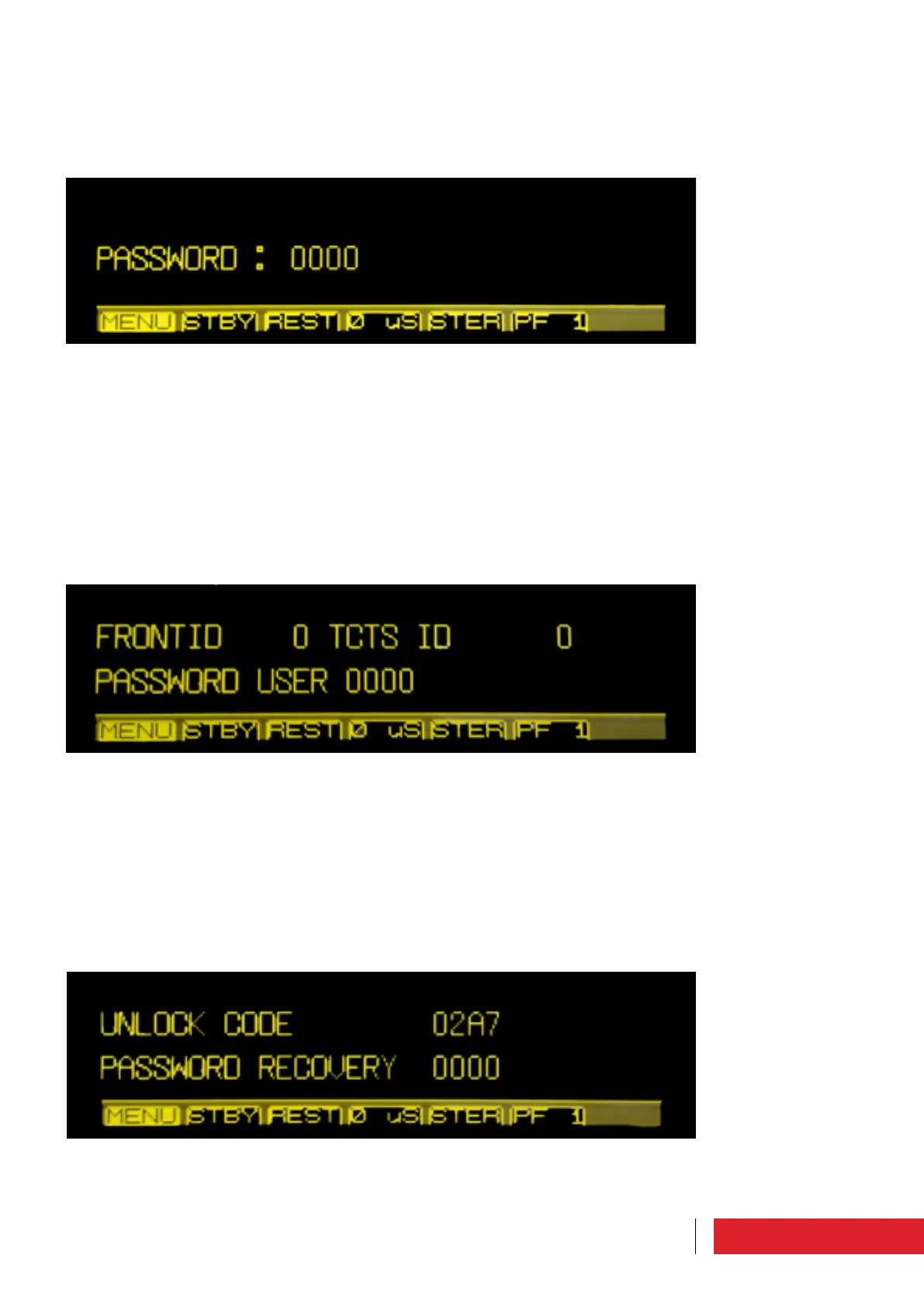
3.1.10 Password setting
There are two levels of user privilege: USER and SYSTEM, which are both initially protec-
ted by the default password “0000”.
In this screen it is possible to define customized passwords by the user with “SYSTEM”
privileges.
Other parameters that can be set from this menu are the machine addresses (reference
for communication with it).
3.1.9 Password
The equipment is delivered with the default password “0000” that can be customized
by the user (for more details, please see paragraph “Password Setting”).
In this screen the access password must be entered.
3.1.11 Password recovery
If you lose your password, please contact Elenos.
Elenos must be given the “Unlock code” in this screen.
Elenos will provide a password valid for 24 hours to be entered on the same screen
under the “Password Recovery” item.
The user must later define new passwords through the “Password Setting” screen.



 To Next Page